Clipbrd
More time for the team
We created Clipbrd to make the work around basketball easier to manage. From the brand to the app, we built a connected set of tools that helps coaches organize a season and spend more time with their players.
- Product
- Clipbrd, a Triptych product
- Platforms
- Web, iOS, and Android
- Role
- Brand identity, product design, and full-stack development
- Plans
- Free to start, with Pro at $4.99 and Premium at $14.99 a month
The Prompt
Bring the season together
Coaching extends well beyond practice. Plays go on whiteboards, rosters live in spreadsheets, schedules travel through group texts, and game stats stay in a paper scorebook. Keeping it all connected takes time and attention that coaches would rather give to their teams.
Clipbrd is our own product for coaches, parents, players, and athletic directors. It brings play design, rosters, schedules, tournaments, and stats into one place, with a web app and apps for iOS and Android.
The Brand
Familiar from the sidelines
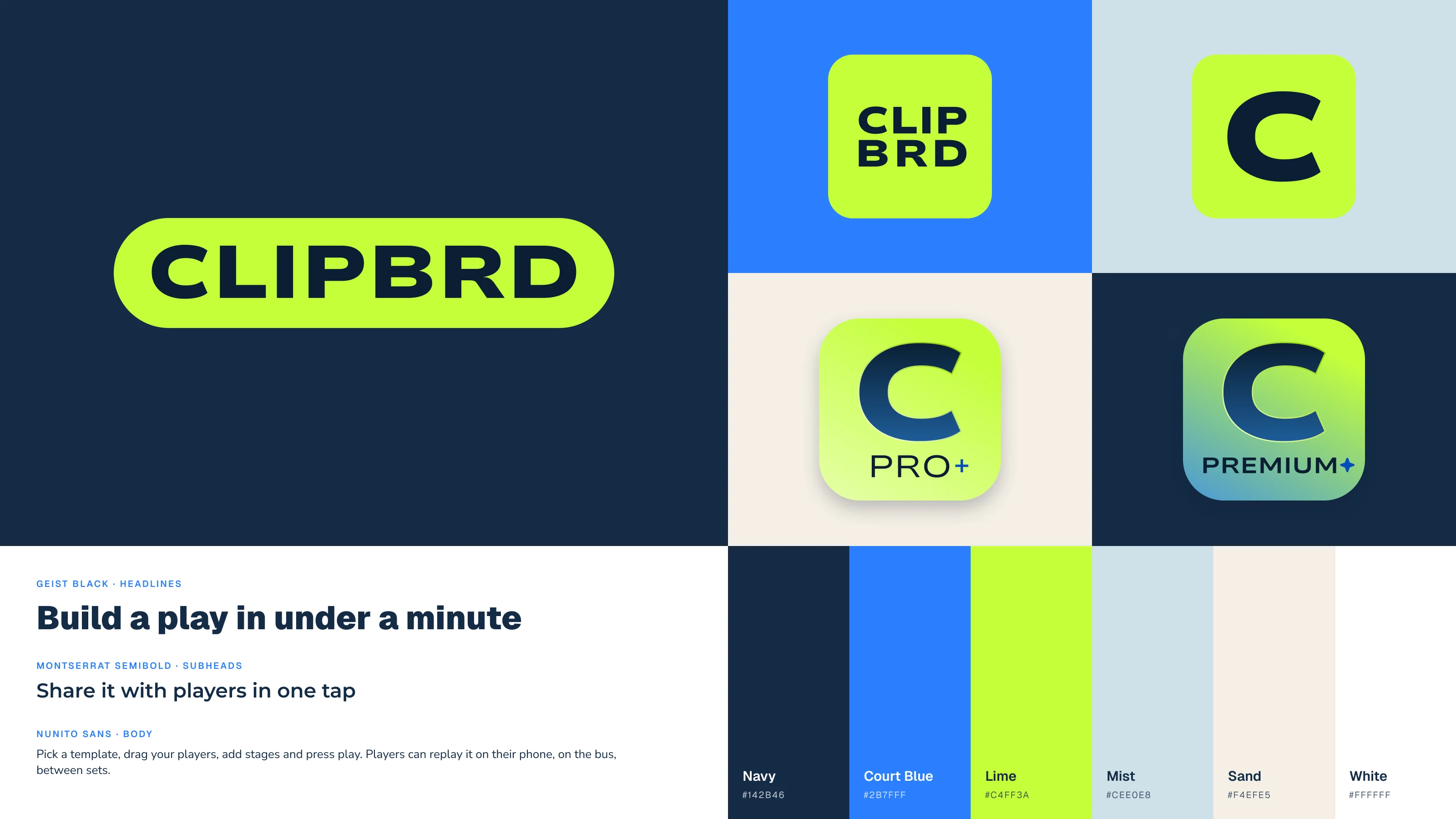
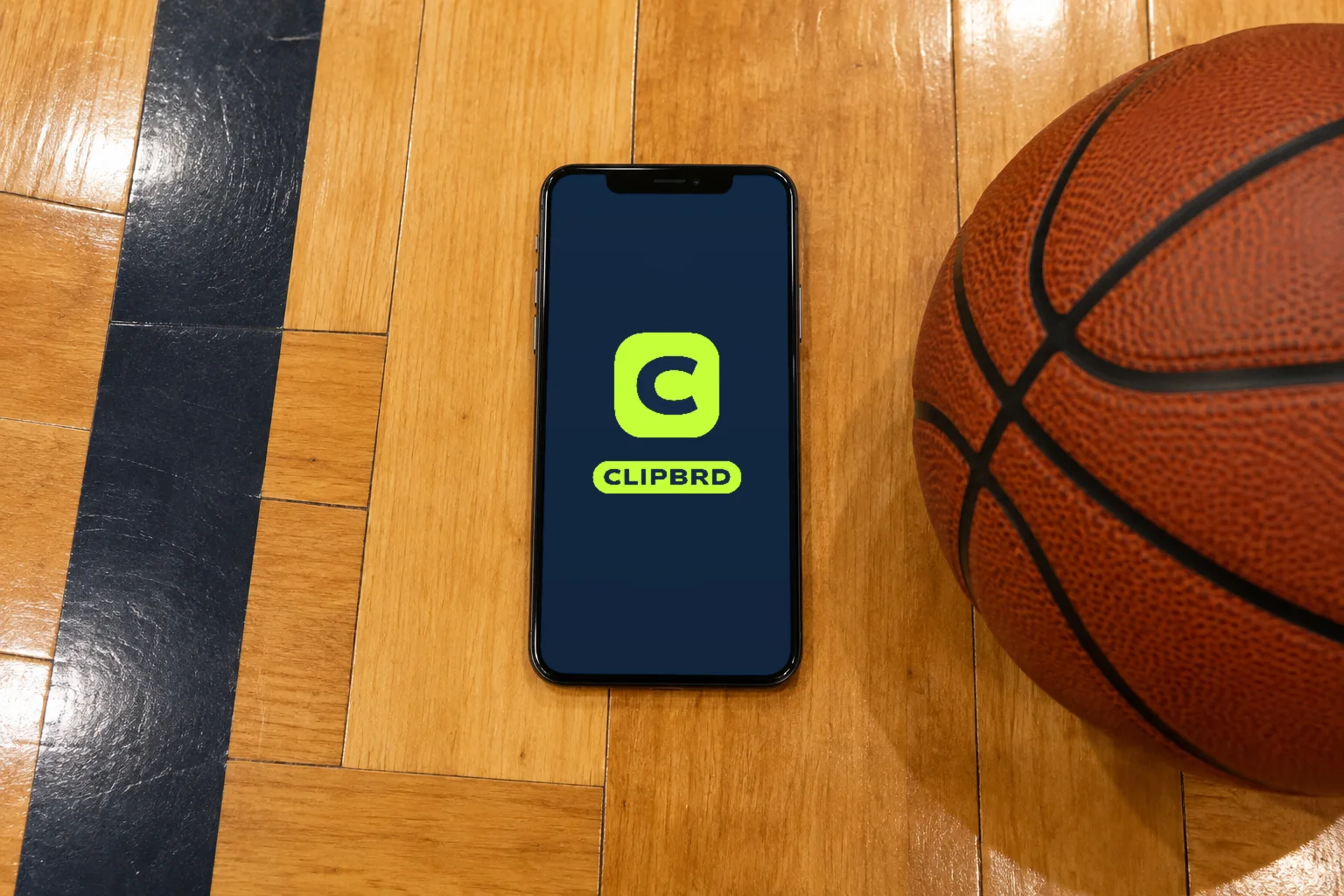
The coach’s clipboard gave us the starting point for the name and identity. A lime pill frames the wordmark, while a bold C gives the app an easy-to-recognize icon.
Navy, court blue, and bright lime bring some game-day energy to the interface. Geist headlines, Montserrat subheads, and Nunito Sans body text give the product a clear type hierarchy, with distinct icons for Pro and Premium.
Brand in Use
At home in the gym
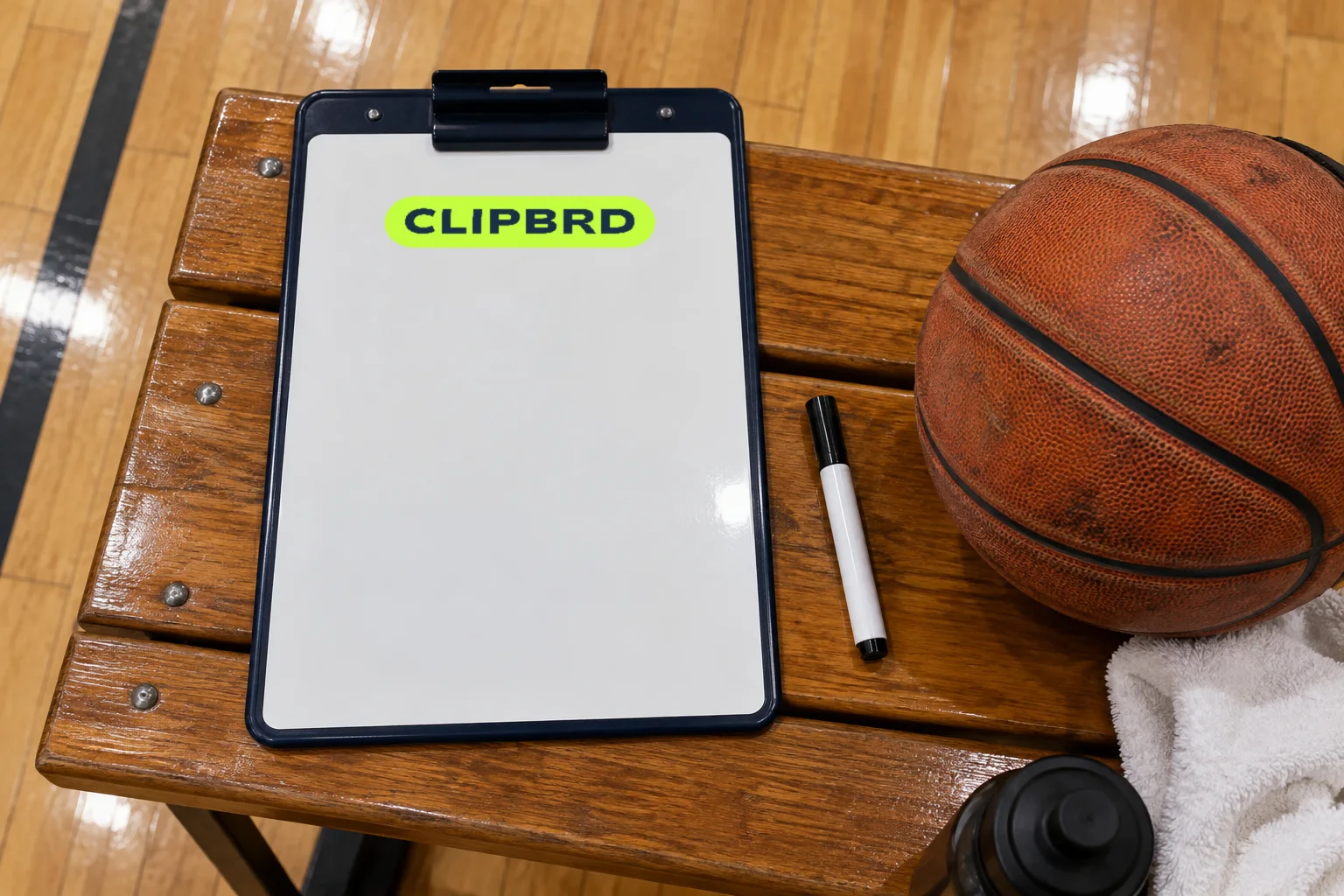
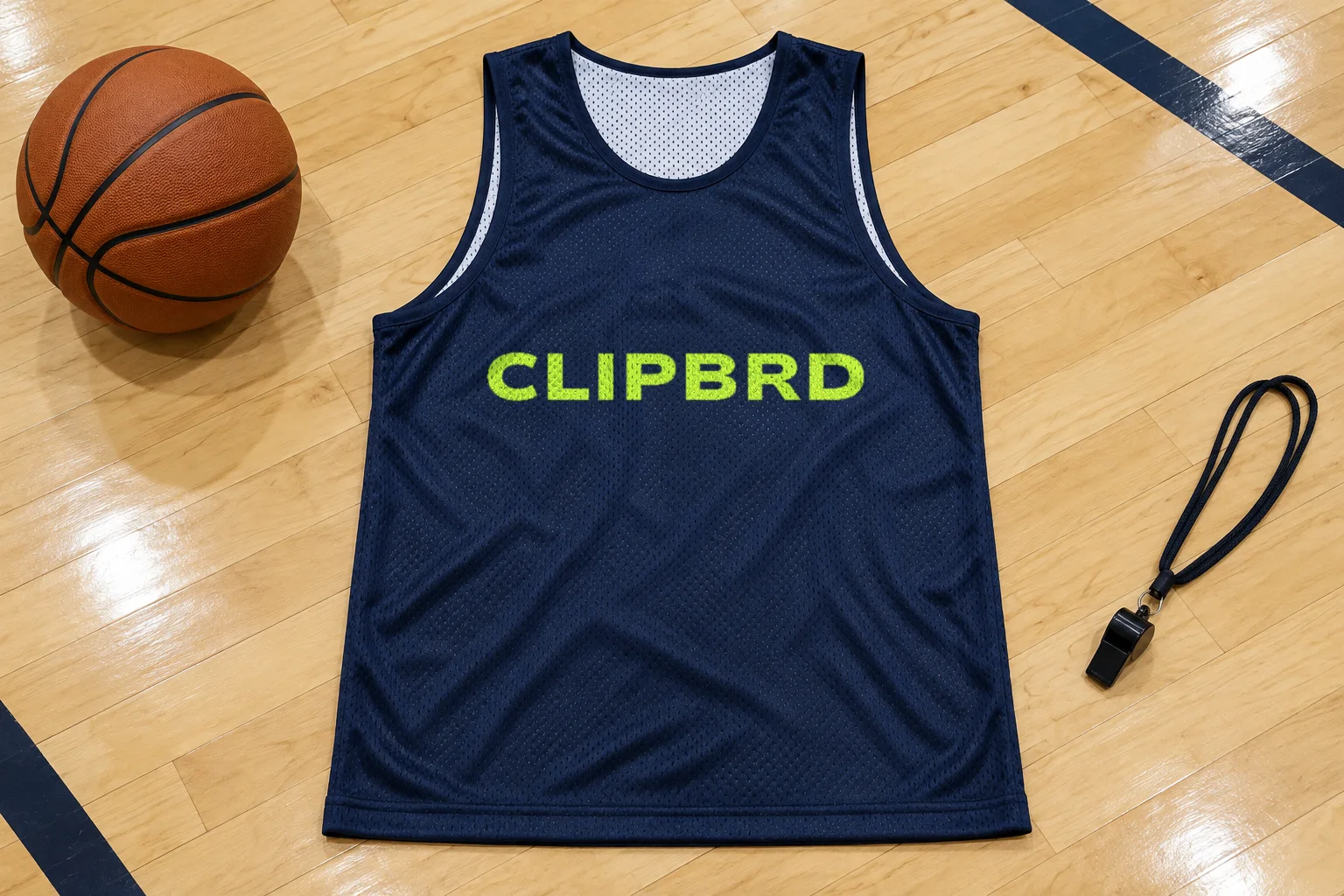
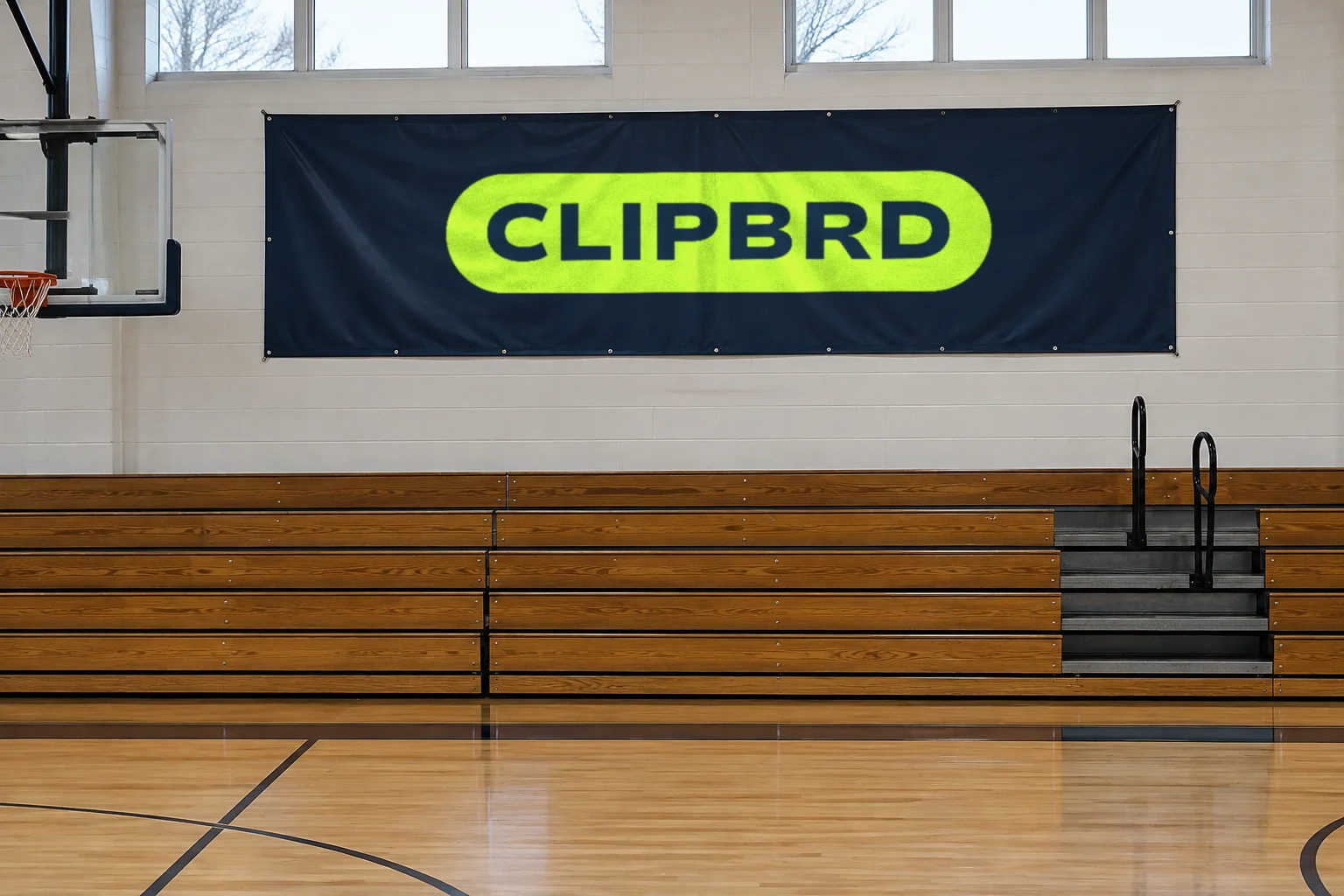
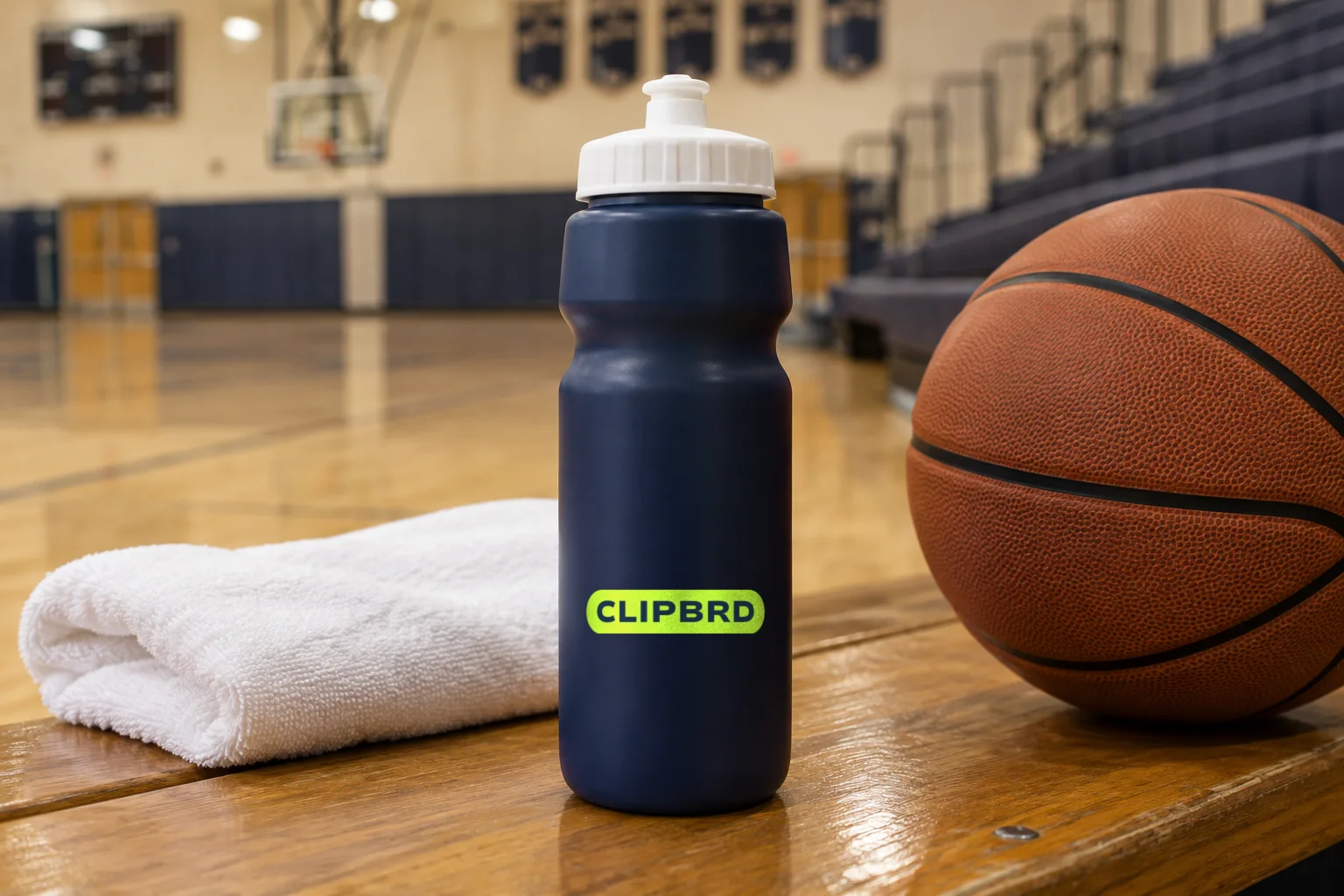
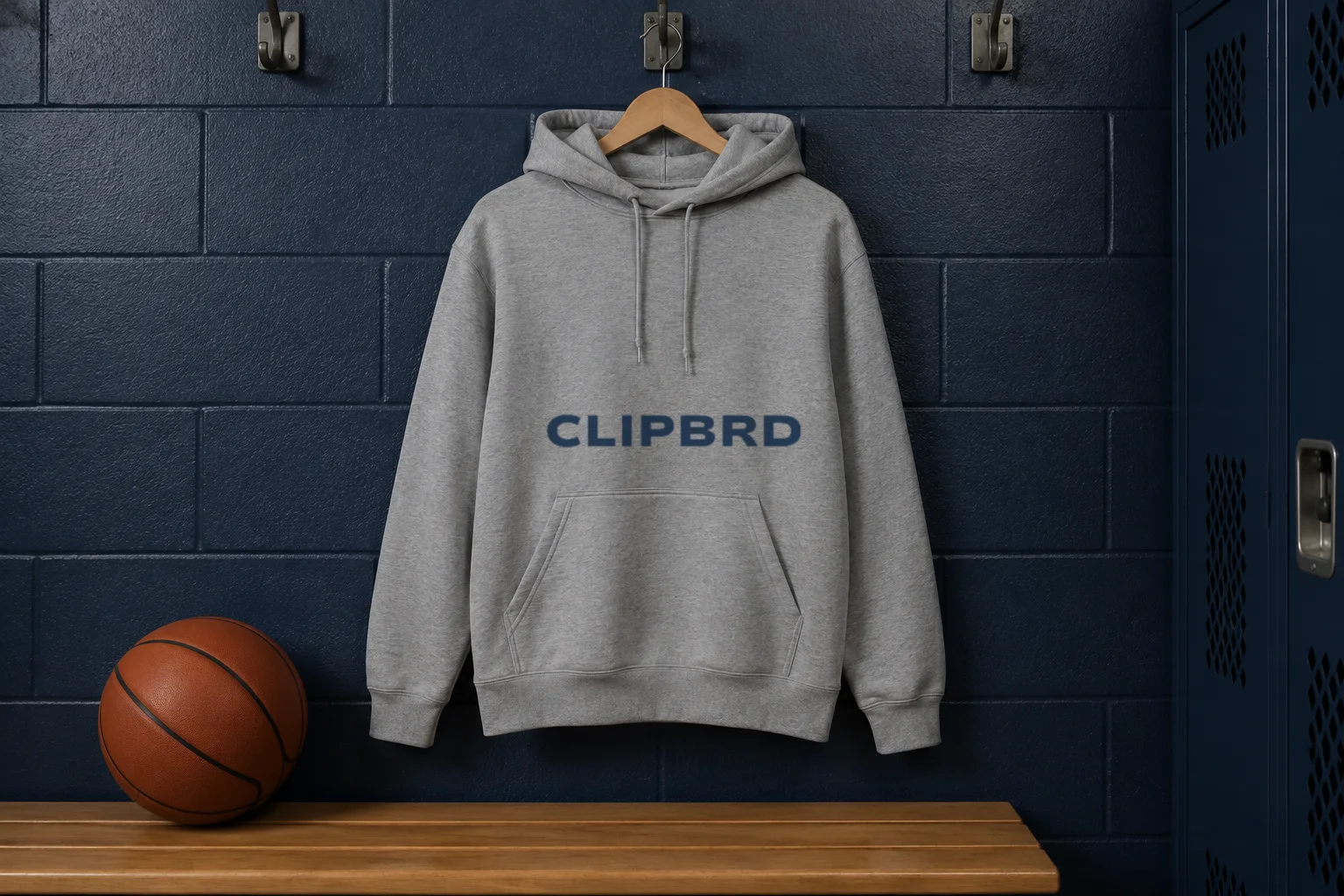
Clipbrd needed to feel like part of a team’s world. We explored the identity on the gear and spaces that surround a season, from practice jerseys and water bottles to the banner above the bleachers.
The Website
Try a play first
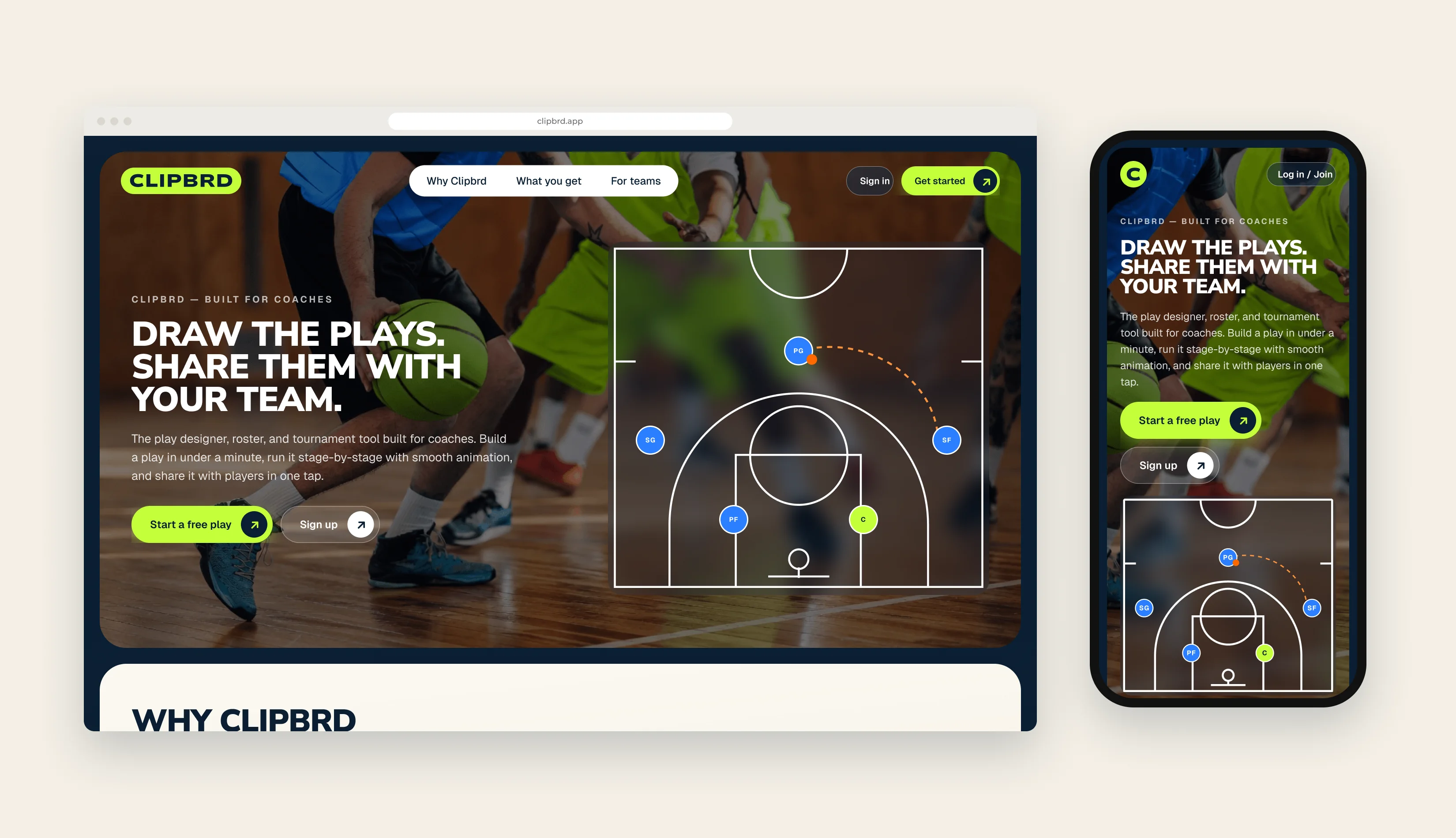
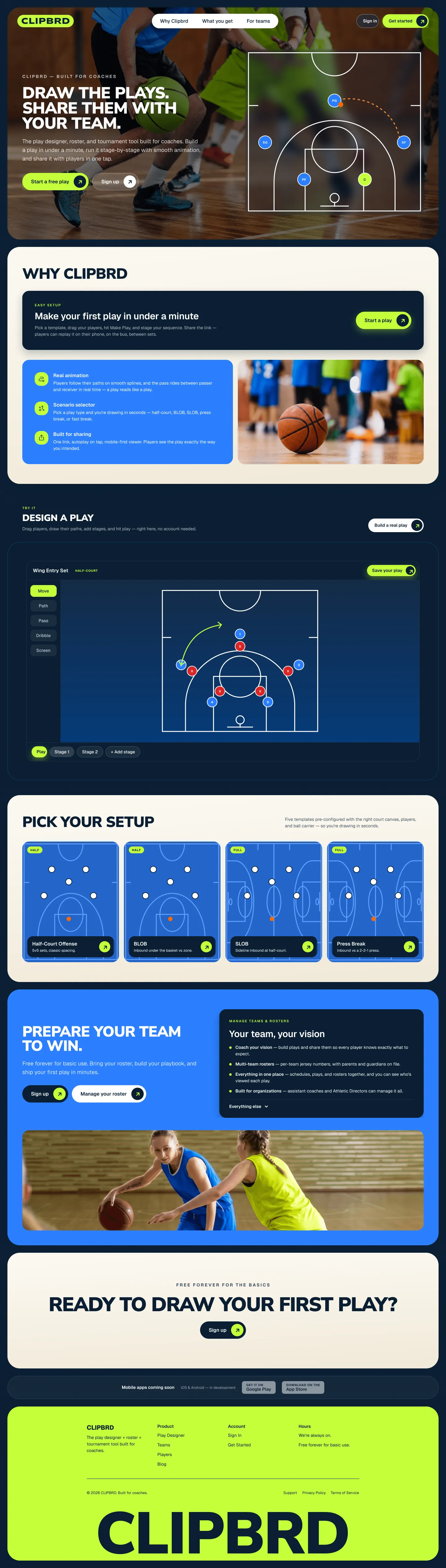
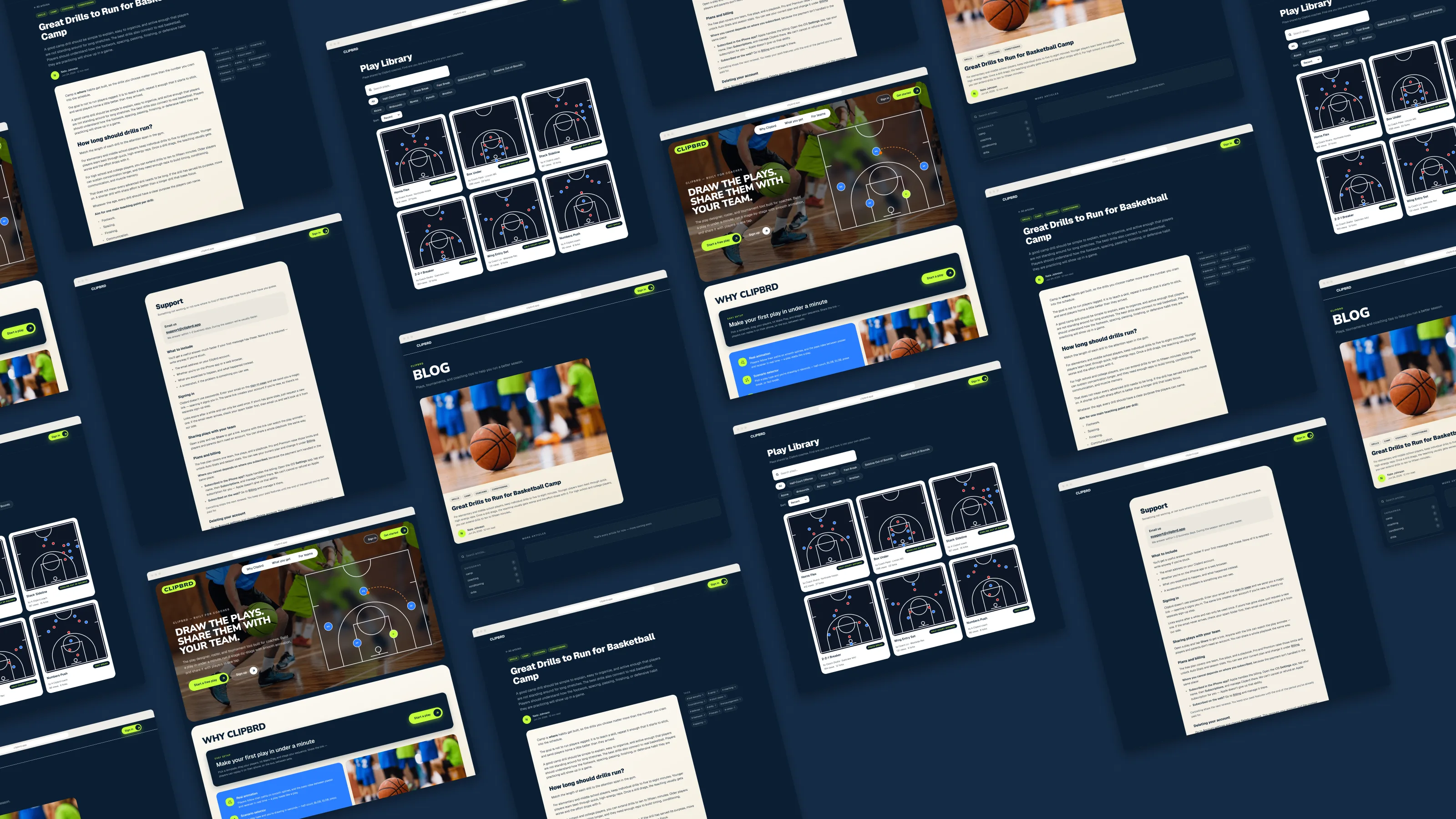
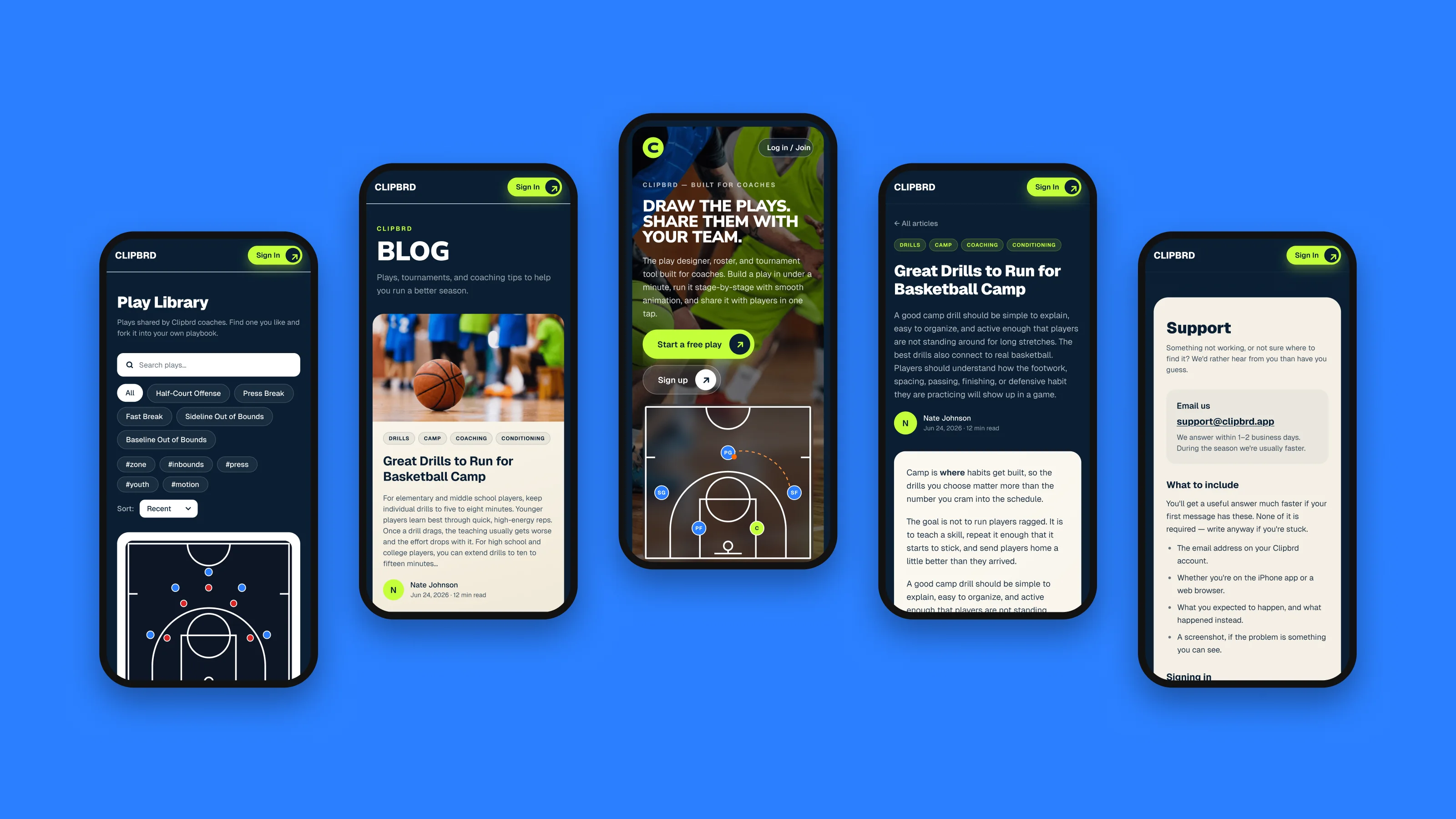
The best way to understand the play designer is to use it. The homepage opens with an animated play, then lets visitors draw one of their own without creating an account. Five court templates give coaches a quick place to start.
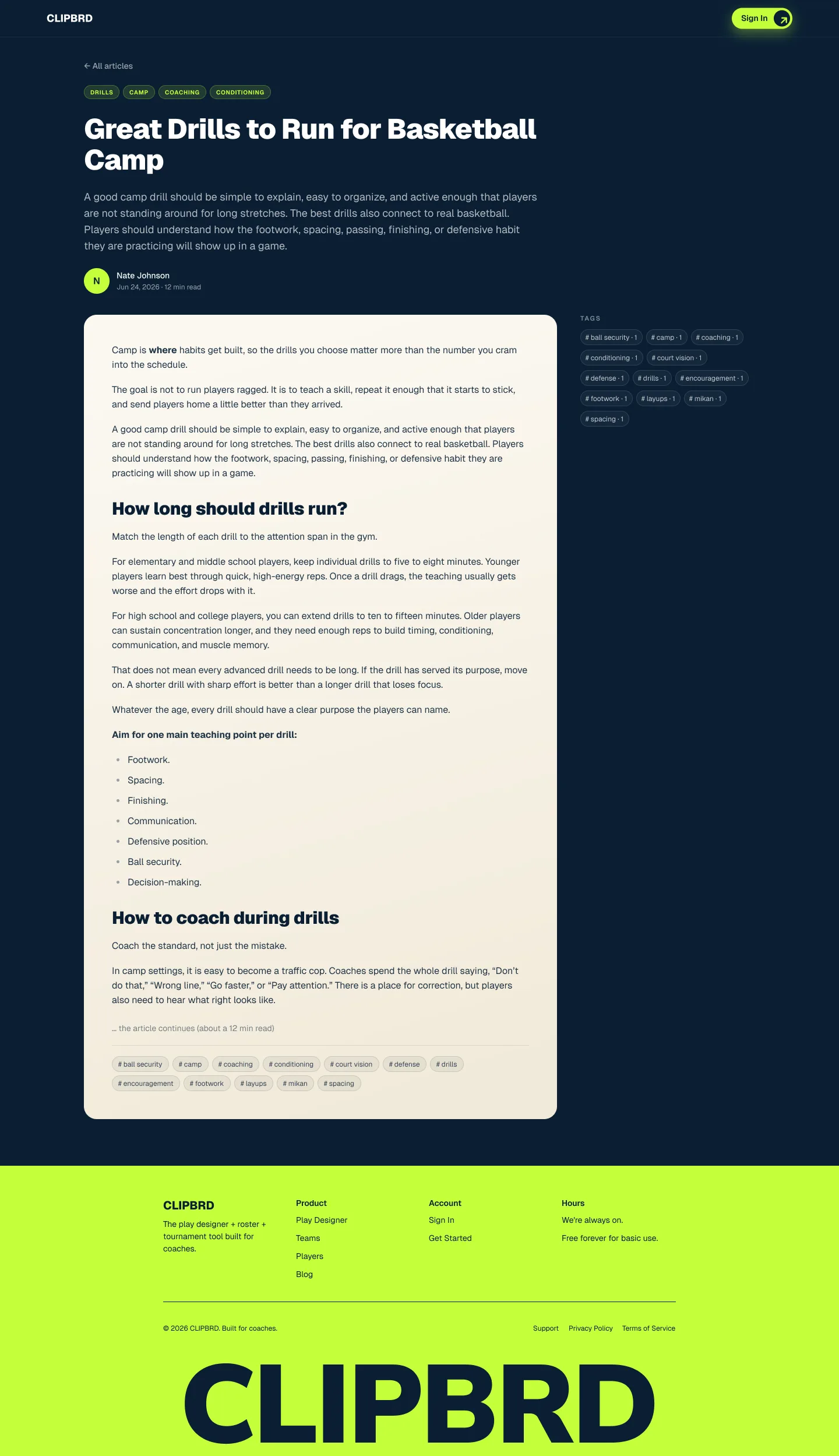
A public play library, coaching blog, and support center give visitors more ways to explore and keep helping coaches once they join.
The App
Keep the team connected
Plays, rosters, schedules, tournaments, and stats work together in one app. Coaches can make an update once, and players and parents can see it on their phones. The screens below use a sample team and fictional players.
Play Designer
Put the play in motion
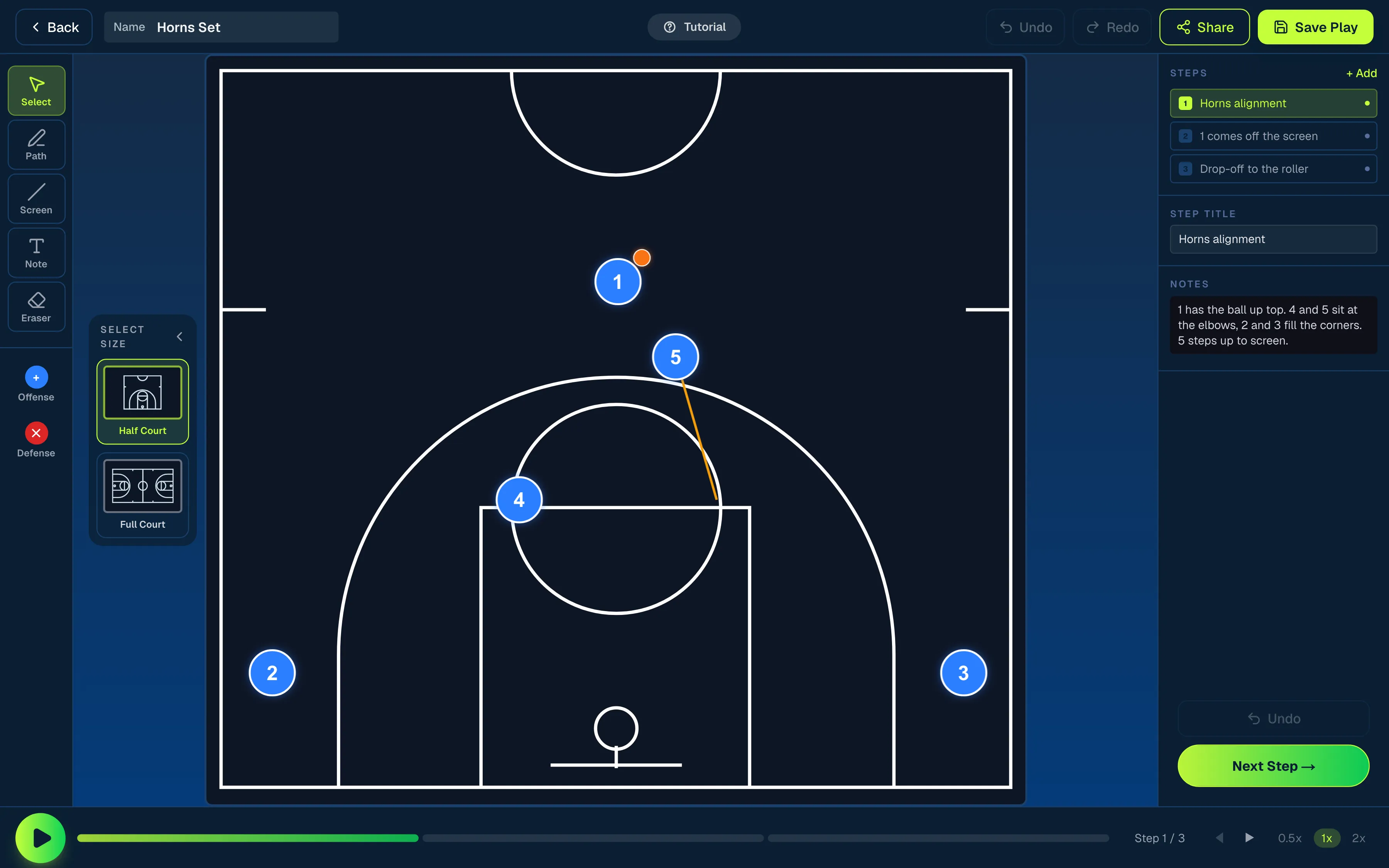
Start with a half or full court, drag players into position, and draw cuts, screens, passes, and dribbles. Build the play in stages, add coaching notes, and play the sequence back to see how it comes together.
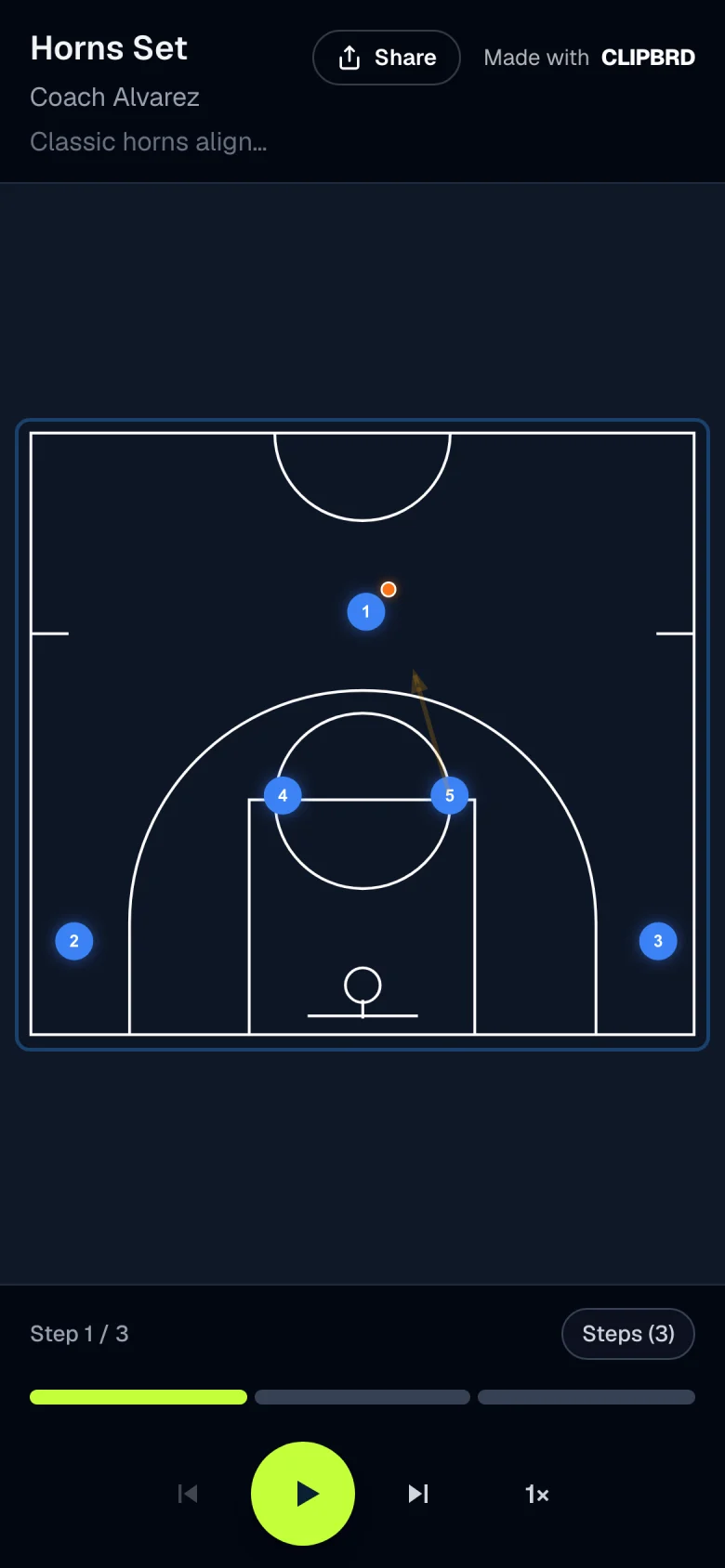
Shared Play
Take the play with you
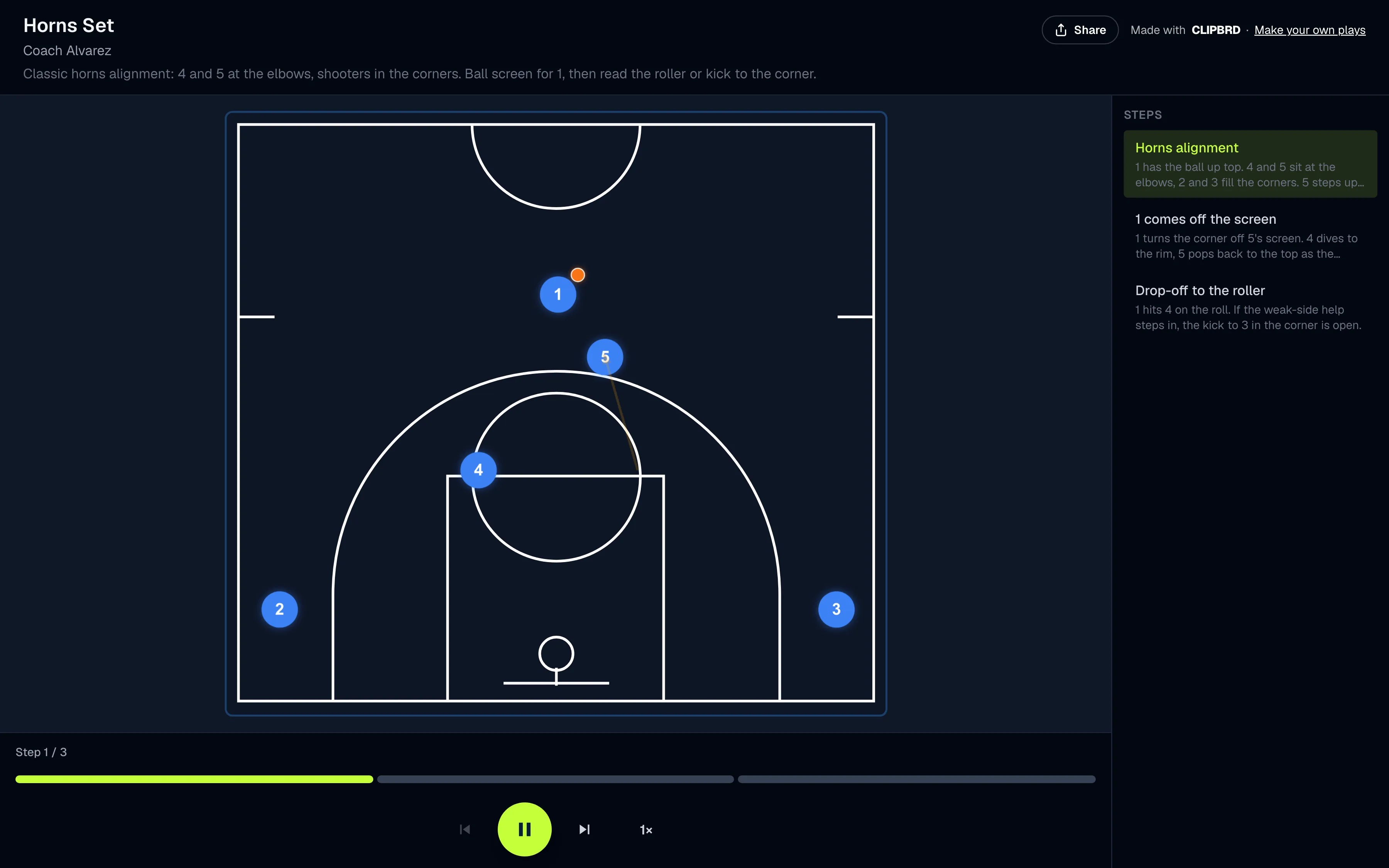
A shared link opens the play without requiring an account. Players can watch the movement, step through each stage, and read their coach’s notes whenever they need a refresher.
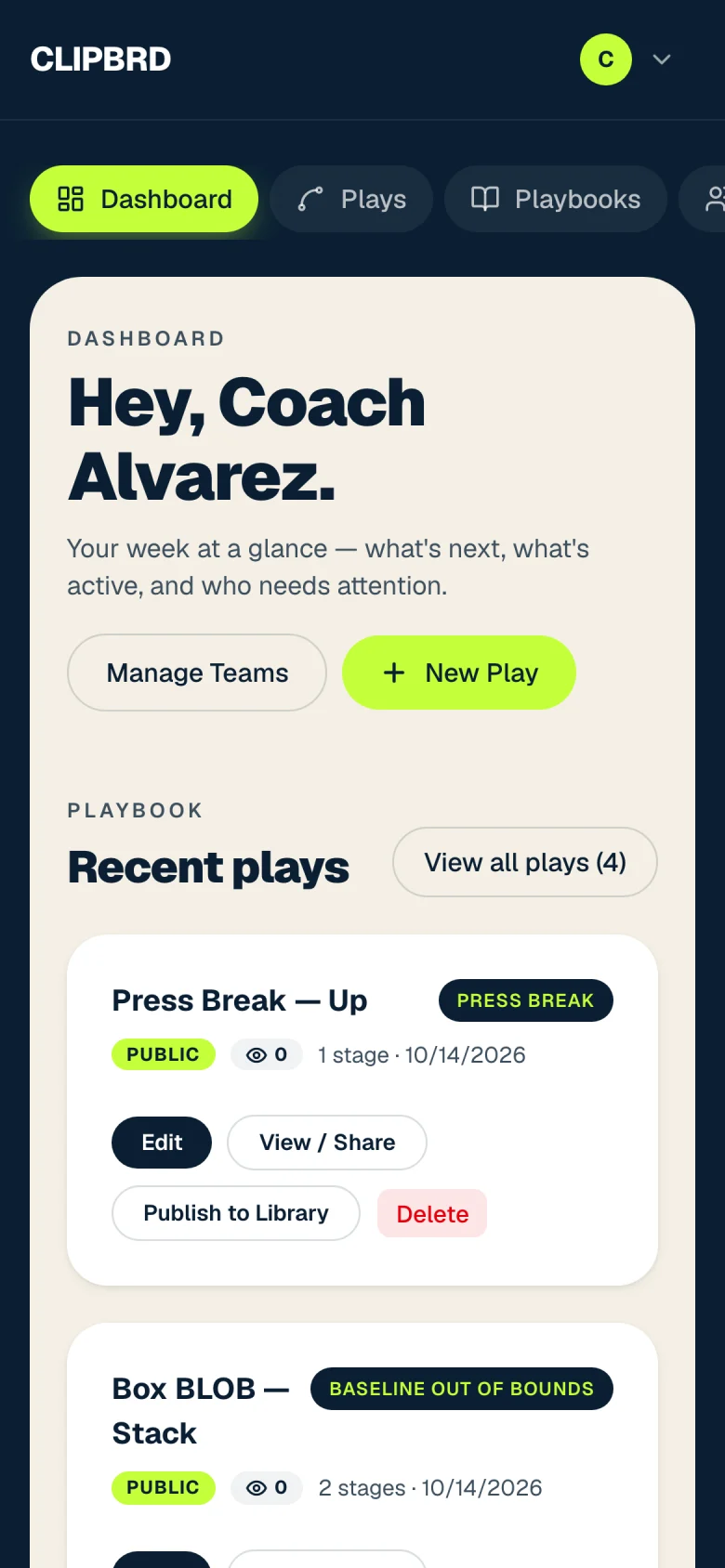
Dashboard
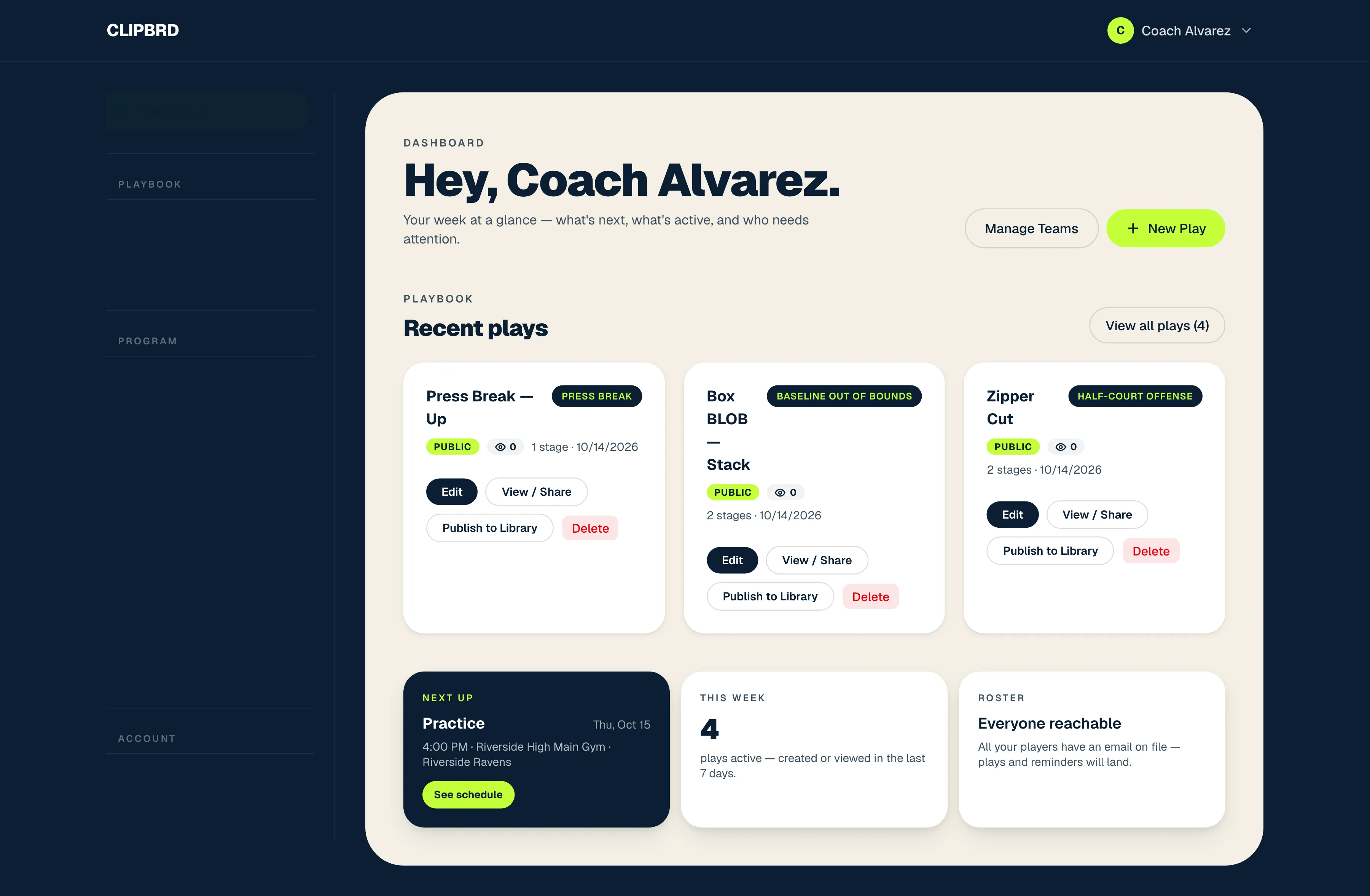
Start with what’s next
The dashboard puts recent plays, the next practice or game, and playbook activity in view as soon as a coach signs in.
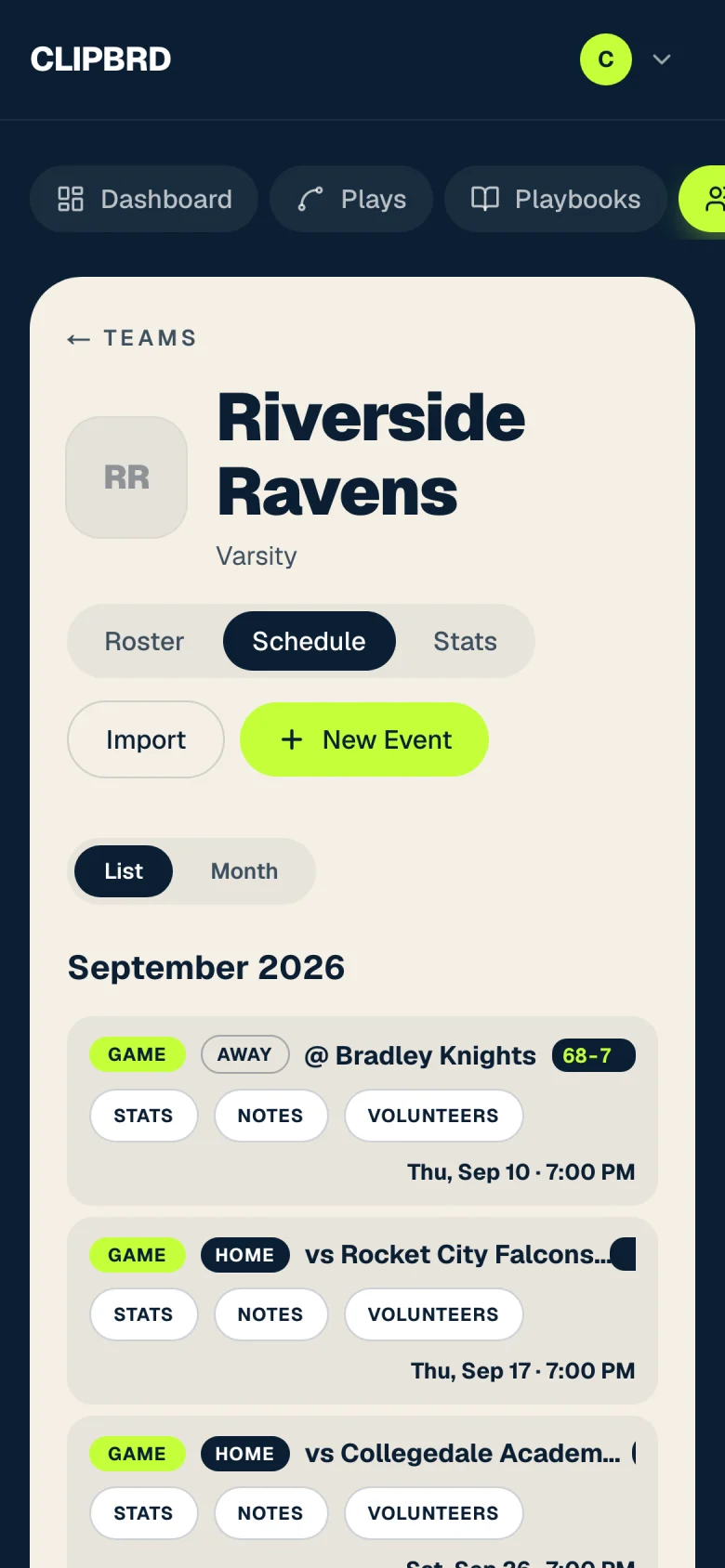
Roster
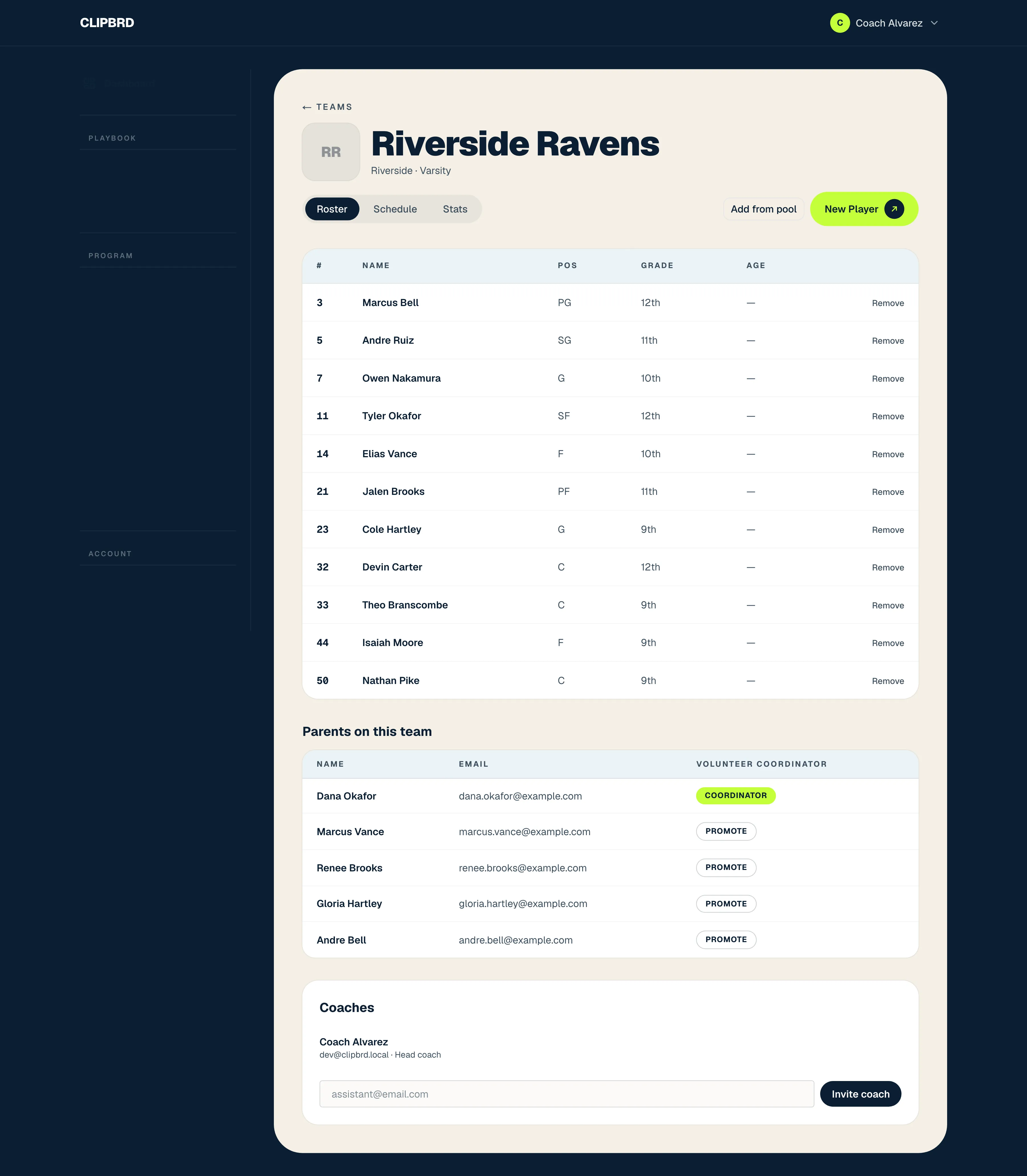
Know who’s on the team
Each team has a shared home for its roster, parent connections, and coaching staff. Jersey numbers, positions, and grades sit alongside the people supporting the players.
Auto Stats
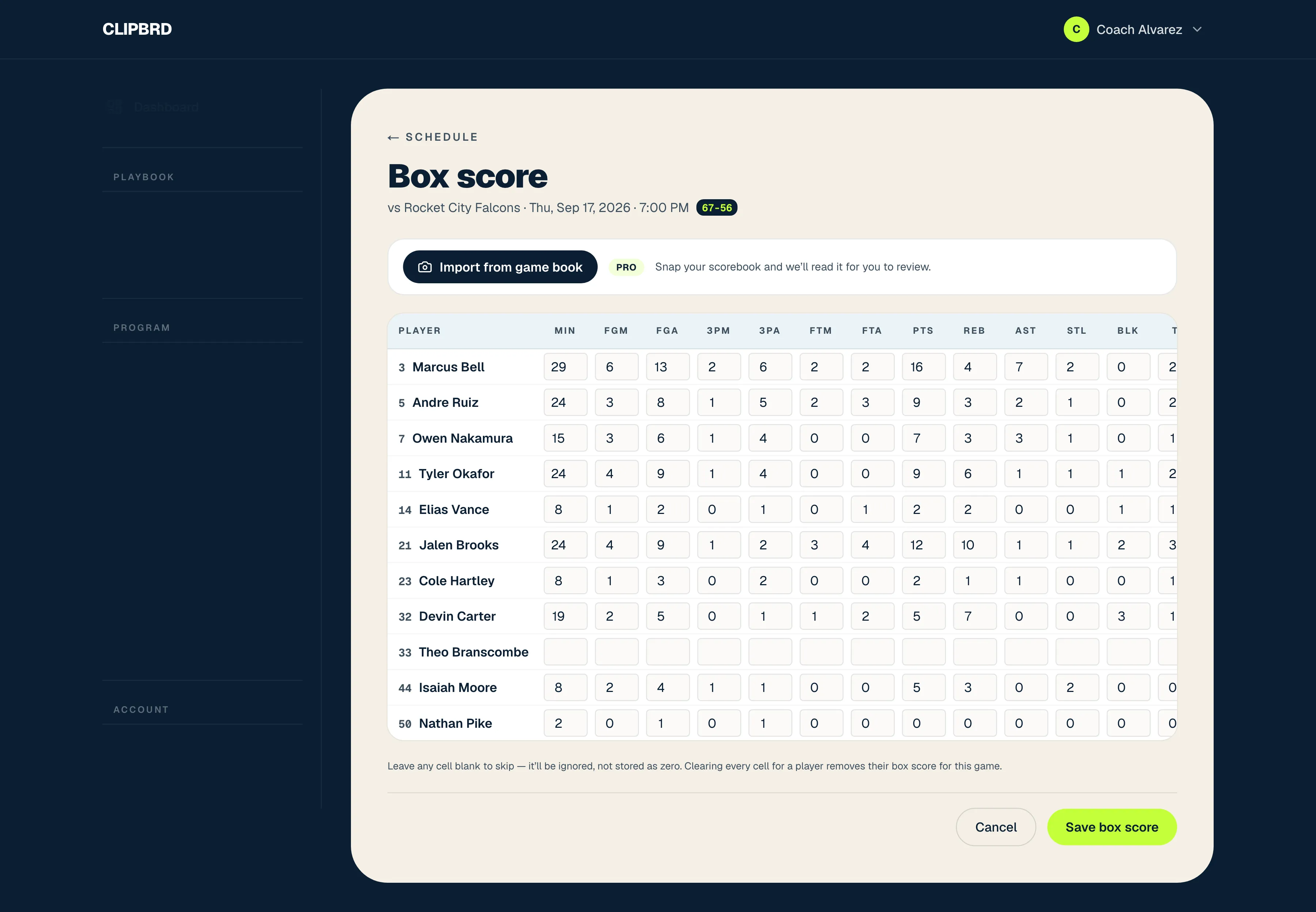
From scorebook to box score
A photo of the paper game book starts the process. Clipbrd reads it into a box score, then runs a second check on uncertain entries. The coach reviews the results before saving, keeping a person in charge of the final stats.
Tournaments
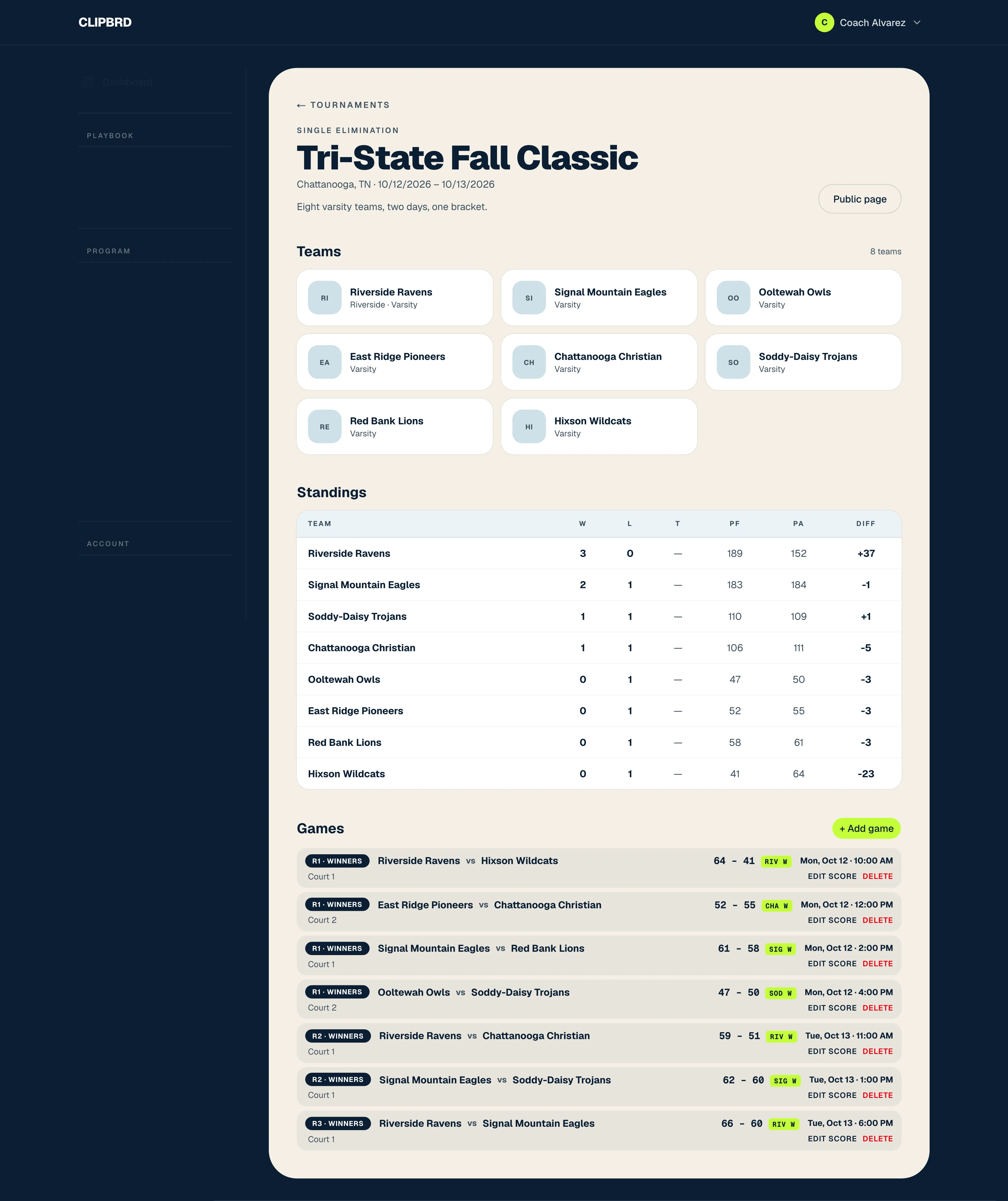
Keep the tournament moving
Tournament directors can set the format, enter scores as games finish, and share a public page where teams and families can follow the standings.
Under the Hood
The tools behind it
- Framework
- Next.js 16 and React 19, hosted on Vercel
- Data and sign-in
- Postgres on Supabase through Prisma, with magic links and Google sign-in
- Play designer
- Konva canvas animation for paths, passes and stages
- Auto Stats
- The AI SDK through Vercel AI Gateway, with a second checking pass
- Mobile
- Capacitor apps for iOS and Android, with push notifications
- Billing
- Stripe on the web and in-app purchases through RevenueCat
We built Clipbrd around the work that fills a coach’s week, from drawing the next play to sharing the schedule and reviewing game stats. Bringing those tasks together helps coaches stay organized and gives players and parents a clearer connection to the team.
A season starts with the free plan