North Ridge Escapes
A good stay starts here
Nine homes. Three destinations. One place to plan your time away. We created a new brand identity and direct-booking website for North Ridge Escapes, helping guests find their home, see the full price, and reserve their stay without leaving the site.
- Project
- North Ridge Escapes
- Client
- North Ridge Escapes, Chattanooga
- Role
- Brand identity, UX / UI design, and full-stack development
- Scope
- A new brand mark, a direct-booking website, a live OwnerRez integration, and Payload CMS
The Prompt
More room to book direct
North Ridge Escapes manages nine vacation homes across Chattanooga’s North Shore, Blue Ridge, Georgia, and Spring City, Tennessee, on Watts Bar Lake. Booking through Airbnb or VRBO adds commissions that increase the cost for guests. The business needed a way to welcome those guests directly.
We built a website where travelers can compare homes for their dates and group, get an exact quote, and book on northridgeescapes.com. Behind the scenes, reservations stay in OwnerRez, the system the team already uses to run the business.
The Brand
A little of the landscape
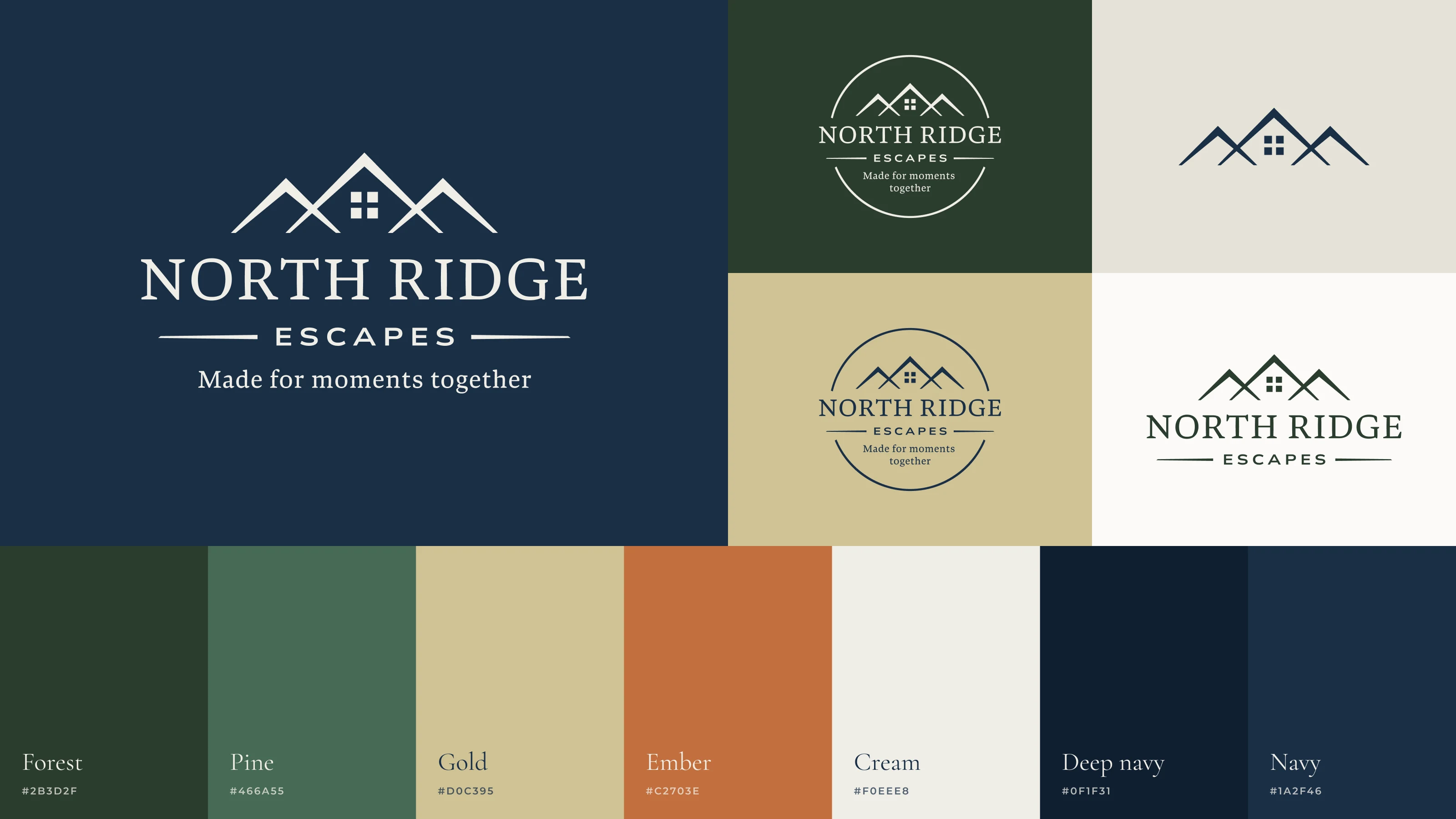
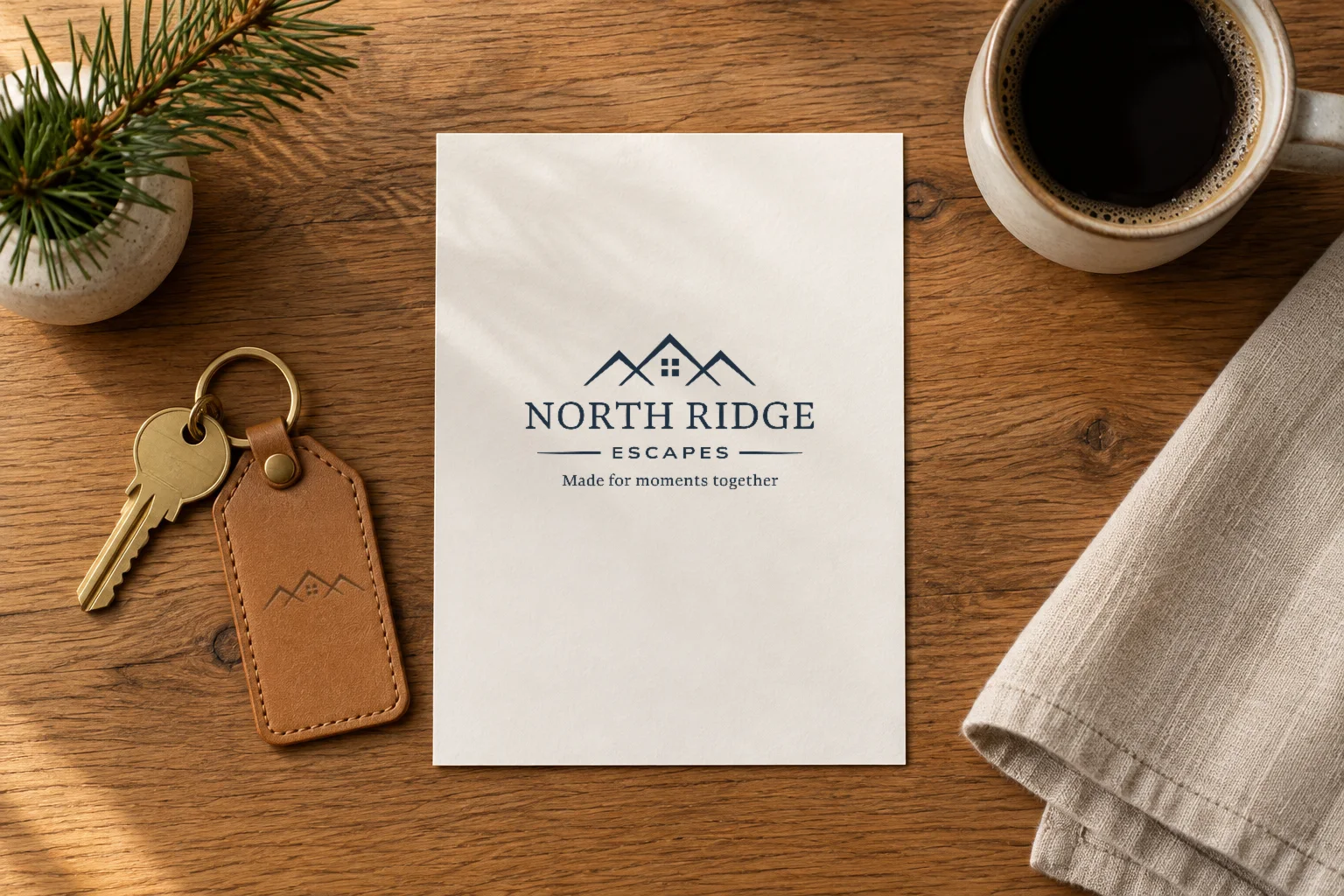
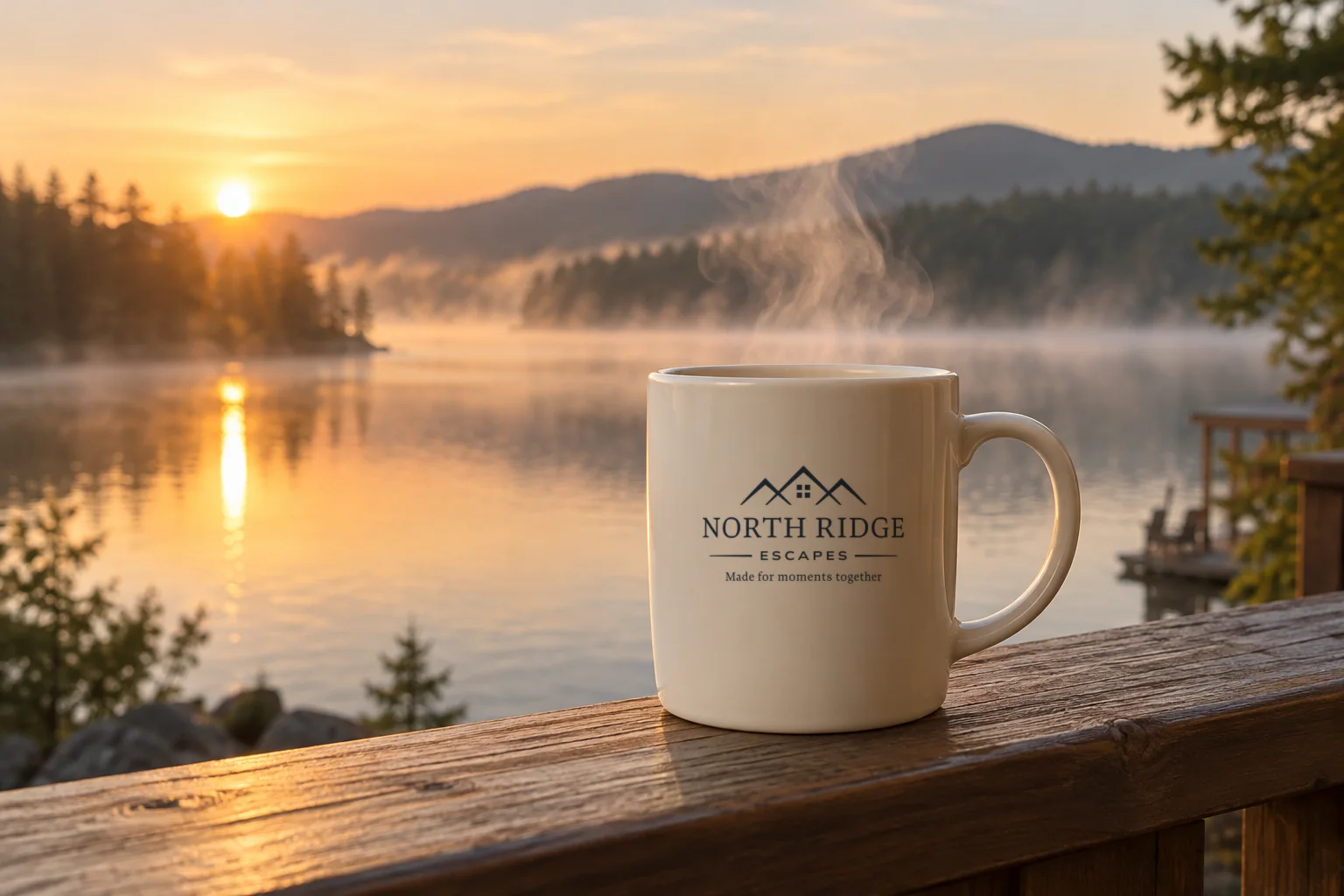
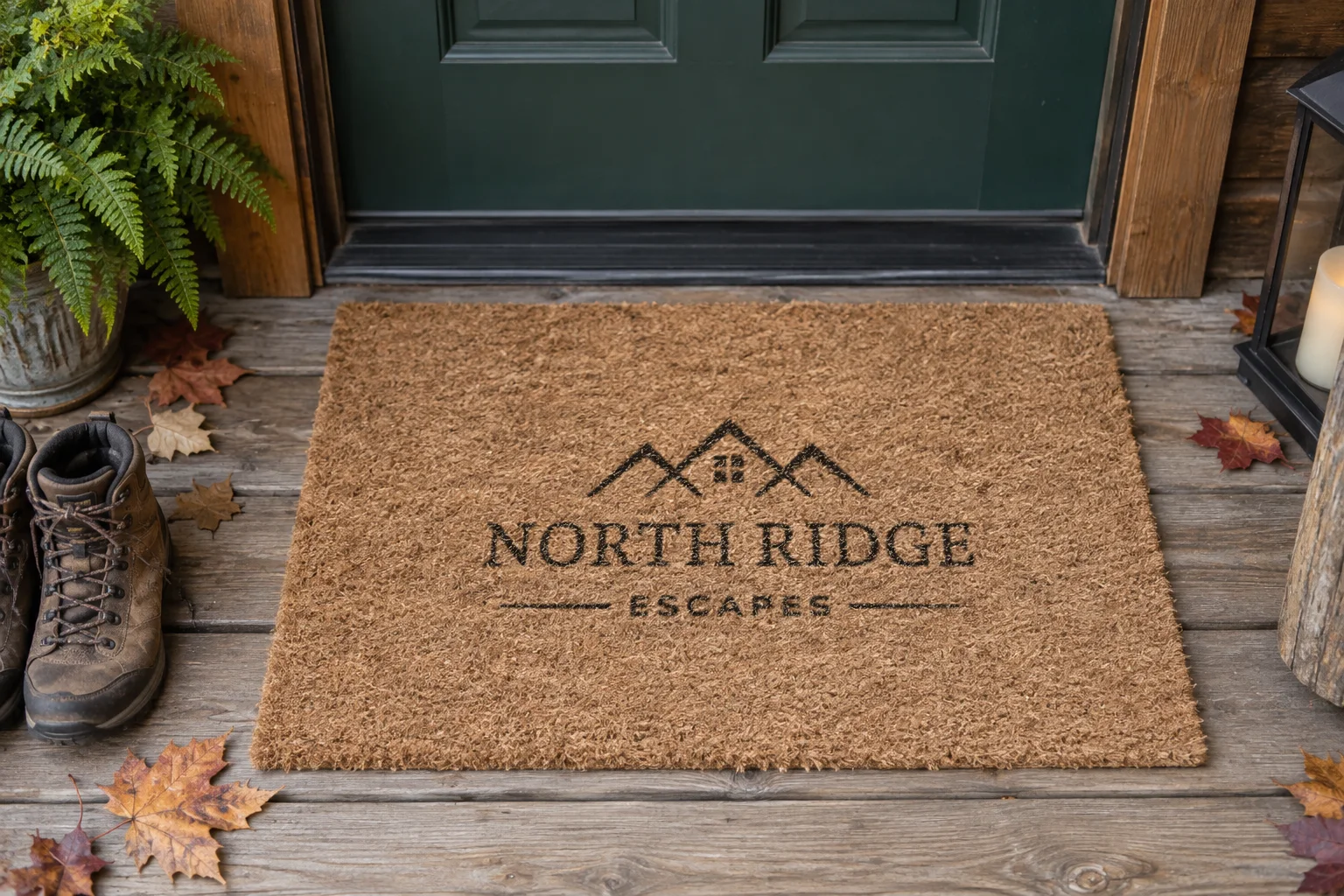
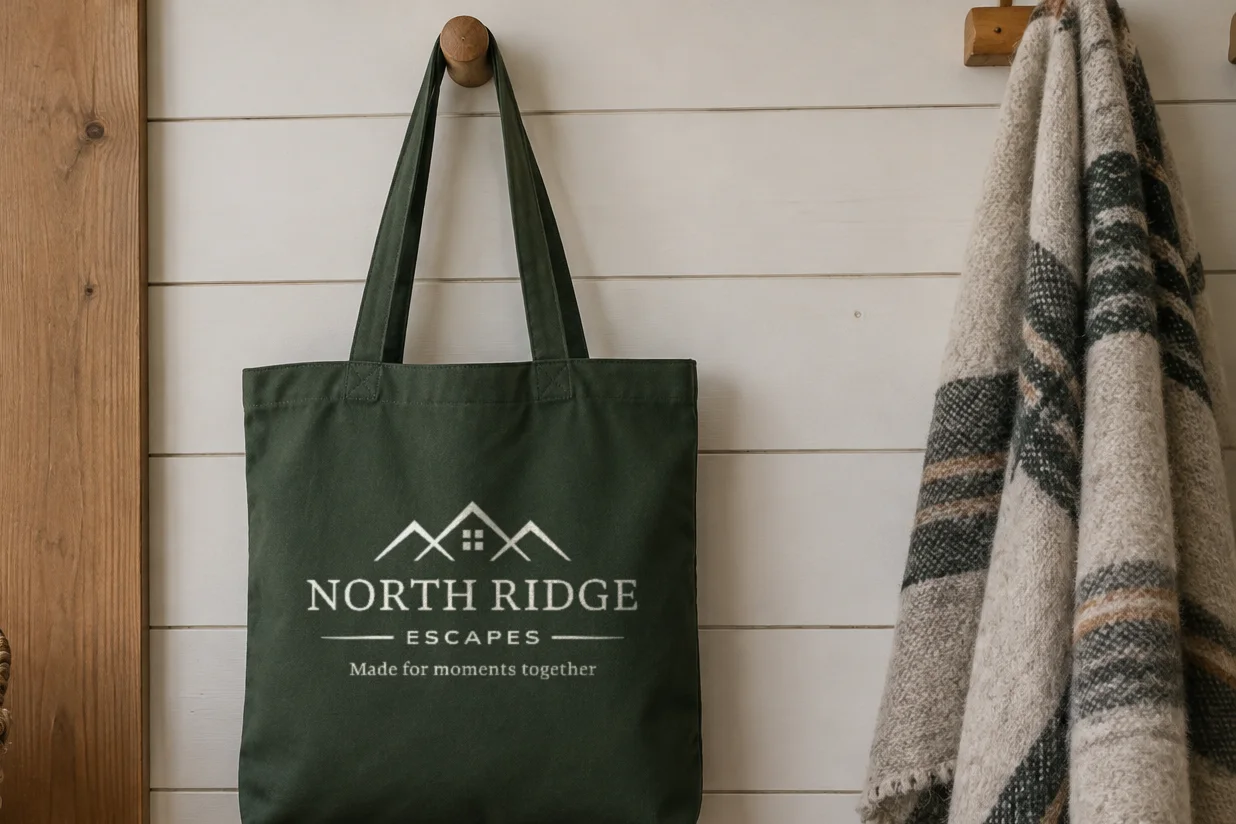
We designed the identity alongside the website, drawing on the ridgelines around Chattanooga and Blue Ridge. Three rooflines echo the landscape, with a window in the center roof adding a sense of home. A serif wordmark and the line “Made for moments together” complete the identity.
Navy, forest, gold, and cream carry through a flexible set of brand elements: the full lockup, a wordmark, a standalone mark, and a circular badge.
Brand in Use
Make yourself at home
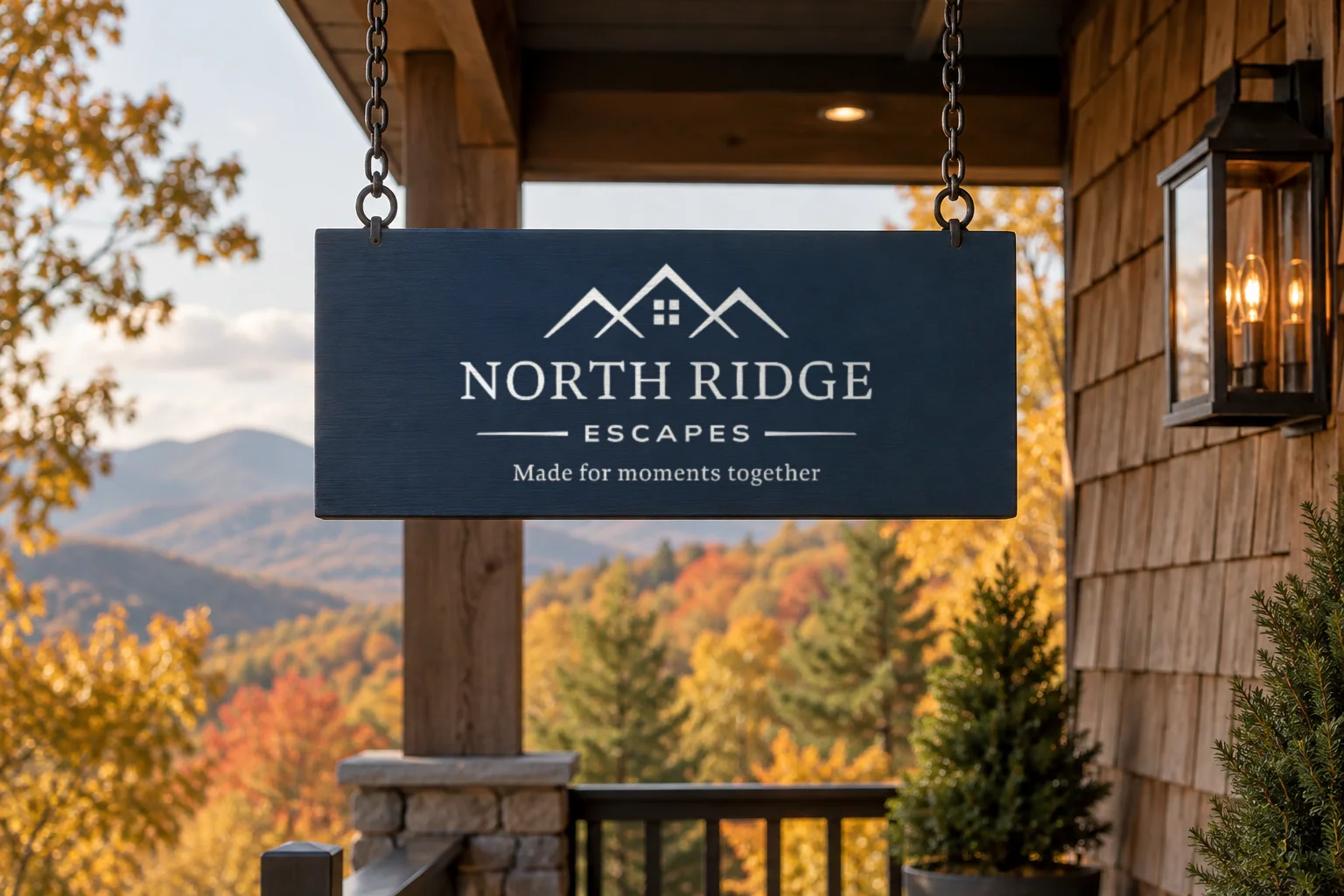
The brand should feel as natural on a porch sign as it does on a booking page. We explored how the identity could carry through a stay, from the welcome card at check-in to a tote for a walk into town.
The Website
Find your kind of getaway
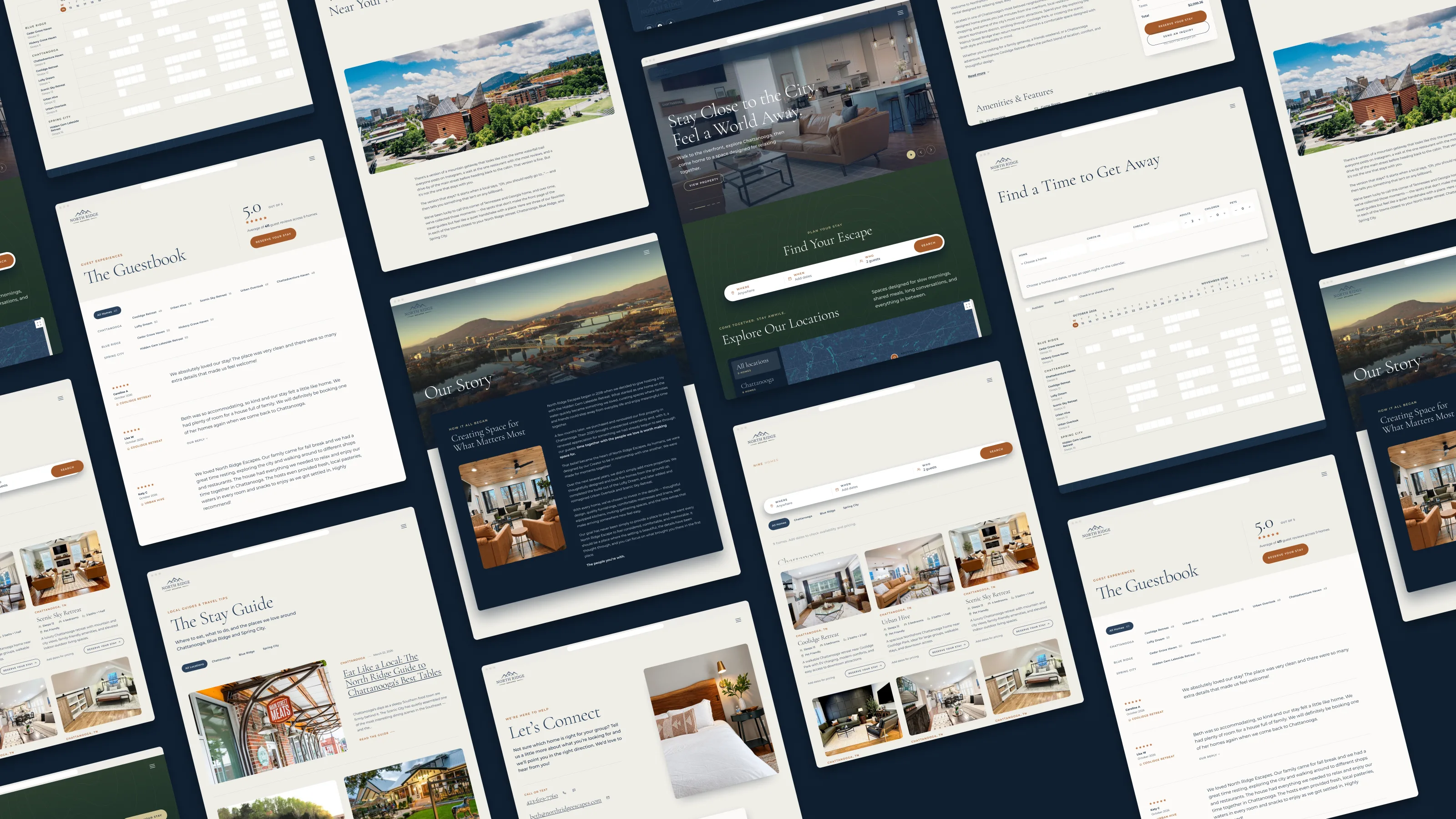
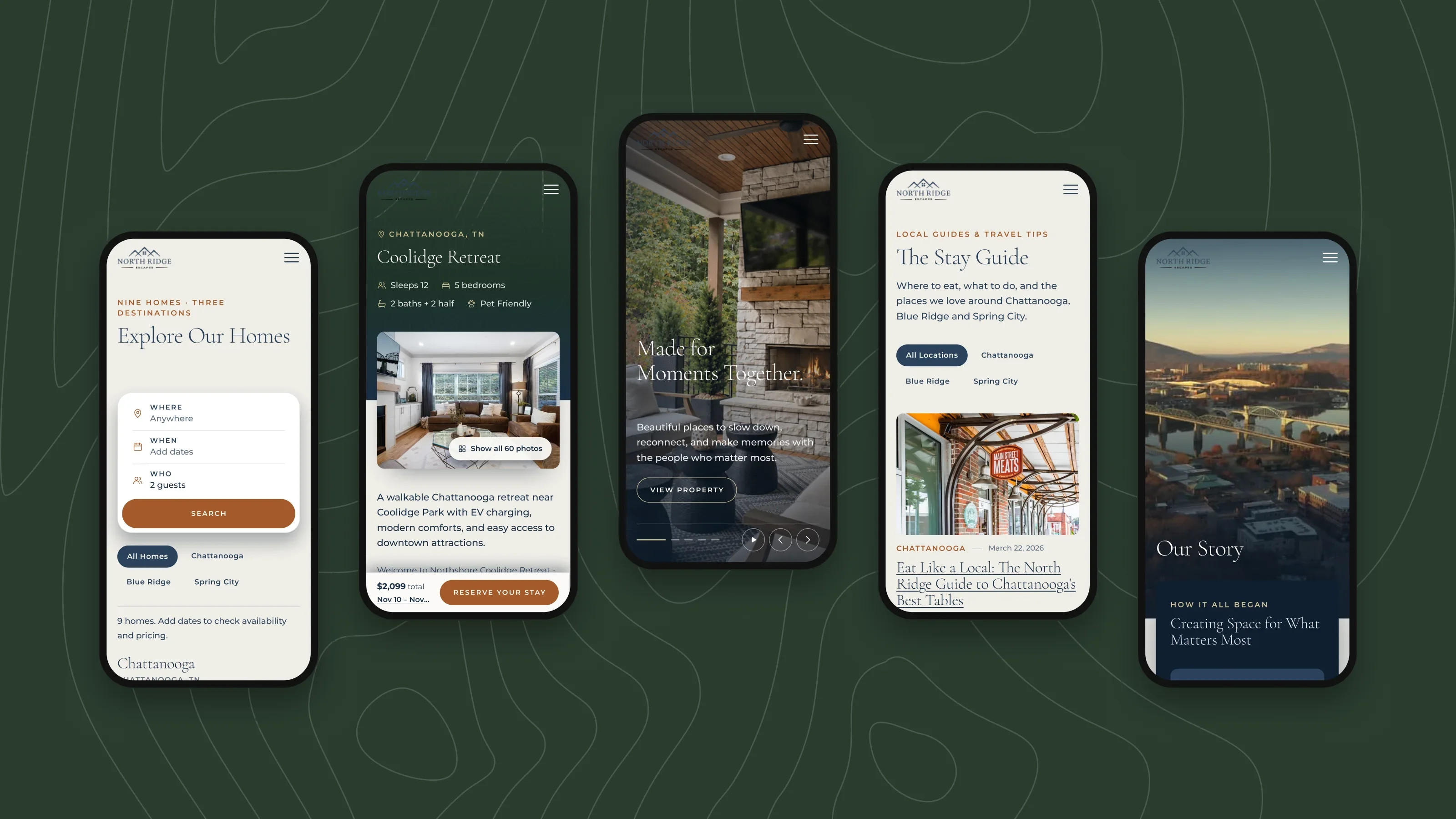
Planning starts with who’s coming and when. Search brings together homes that fit the group and dates, with exact matches first and nearby dates for guests who have a little flexibility. Bedroom and pet filters help narrow the options.
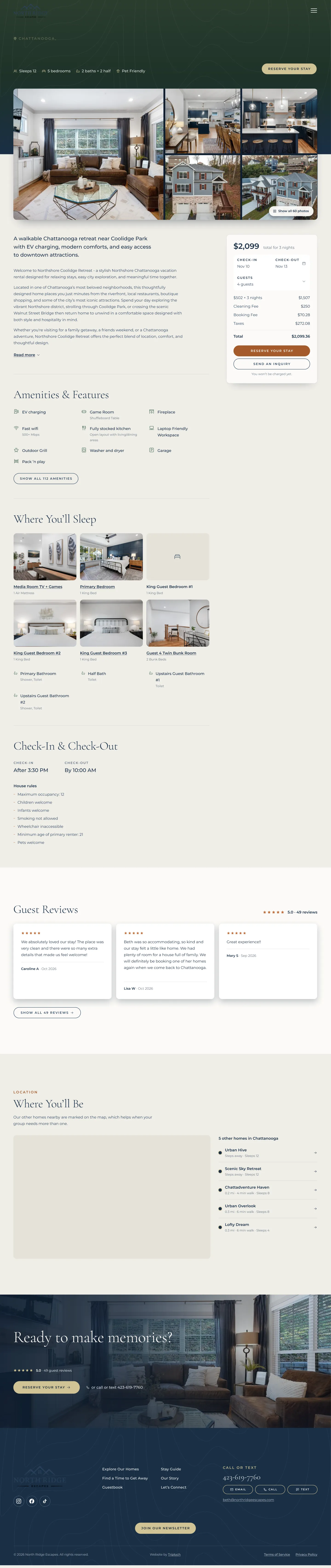
Each listing groups photos by room, shows nightly rates on the calendar, and provides an itemized quote when guests select their dates. A planning grid shows open nights across all nine homes, while the Guestbook brings guest reviews together in one place.

OwnerRez Integration
Connected to the source
The website connects to OwnerRez for property details, calendars, nightly rates, fees, taxes, photos, and reviews. Server-side updates keep that information in sync, while quotes are requested live for each stay. The team can keep managing reservations in one place without entering the same information twice.
Guests pay through OwnerRez’s secure checkout, embedded on the page. Card details never pass through the website’s server. If checkout takes too long to load, guests see the team’s phone number and email so they still have a way forward.
How the data flows
From OwnerRez
The system the team already runs the business on
Every hour
Homes
Bedrooms, bathrooms, pet limits, map locations, and check-in times for all nine homes.
Every 5 minutes
Calendars and rates
Available nights, nightly rates, and minimum stays, up to 400 days ahead.
Live
Quotes
An exact price for the dates and group, including fees and taxes. Quotes are never cached.
Every hour
Photos and reviews
Photo captions, amenities, house rules, and guest reviews.
On the server
Where the two sources meet
Server-side
Merge and cache
Connects each OwnerRez property to its CMS record. The API key stays on the server.
Editorial content
The team’s words
Display names, descriptions, featured photos, room lists, page copy, and SEO layered onto the property data.
On the site
What guests see
Home and search
Find a stay
Search across all homes, with exact matches followed by nearby dates.
Listing pages
See the price
Nightly calendar rates and an itemized quote after dates are selected.
Availability and Guestbook
Plan with confidence
Open nights across all nine homes and more than 1,500 five-star reviews.
Booking direct
From search to a confirmed stay
- 1
Search
Choose a destination, dates or flexible dates, and who’s coming, including pets.
- 2
Choose a home
Compare the homes that fit, with an estimated total for each.
- 3
See the full price
Review an itemized OwnerRez quote and stay rules in plain language.
- 4
Reserve
The selected home, dates, and group carry into the booking form.
- 5
Pay and confirm
Complete the reservation through OwnerRez’s secure checkout on the page. Card details stay with OwnerRez.
After 12 seconds without checkout loading, the page displays the team’s phone number and email. Guests who want to ask a question before booking can switch the same form to an inquiry.
The Back End
The team can take it from here
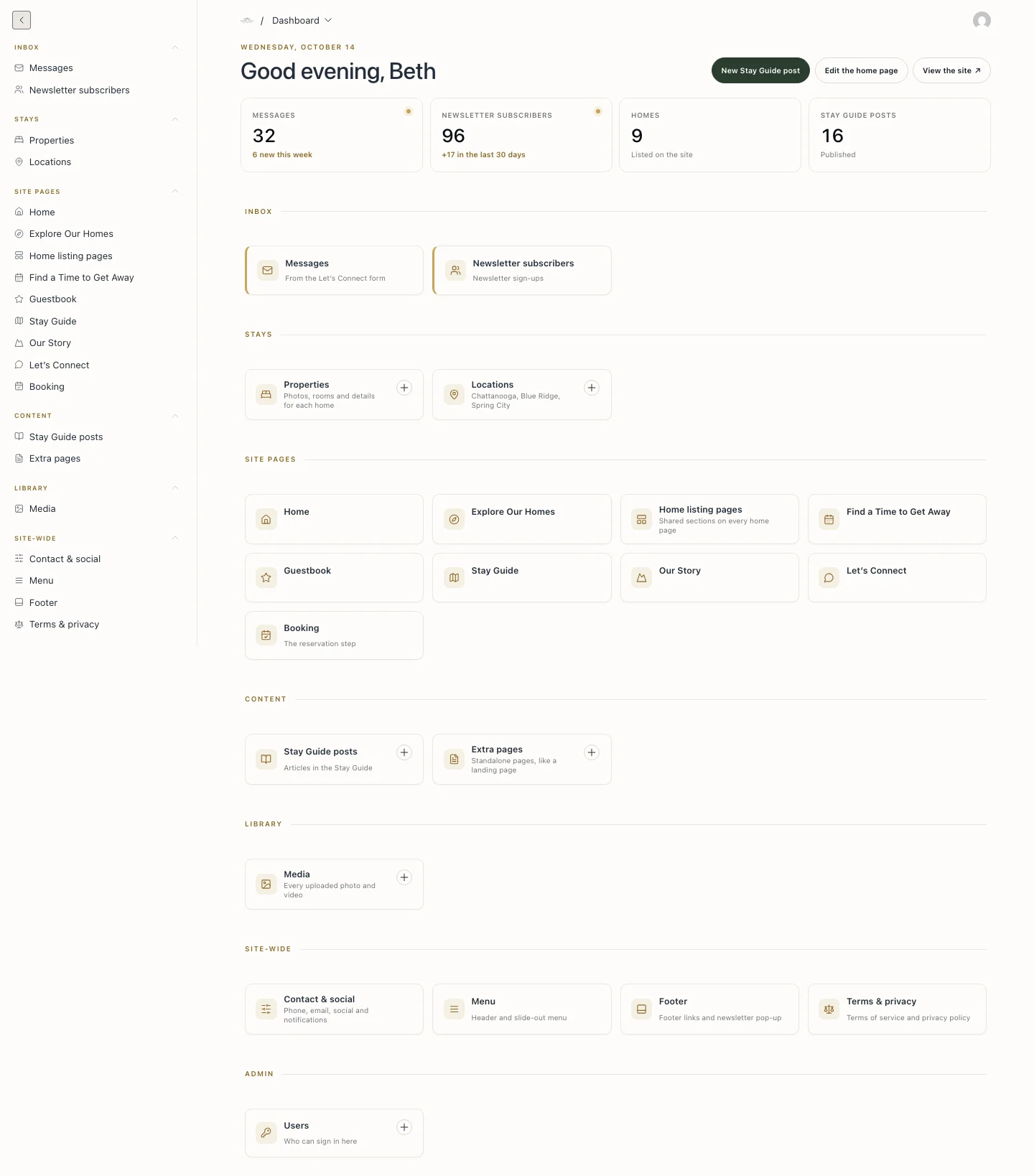
OwnerRez handles reservations. A custom Payload CMS admin gives the team control over the site’s content, with tools organized around the work they do most. Contact messages are saved in the CMS and emailed to the owner as they arrive.
Dashboard
Start with the everyday
The dashboard opens with a greeting, this week’s messages and newsletter sign-ups, and shortcuts to common tasks. Collections appear in the order the team uses them, with a matching sidebar for easy navigation.
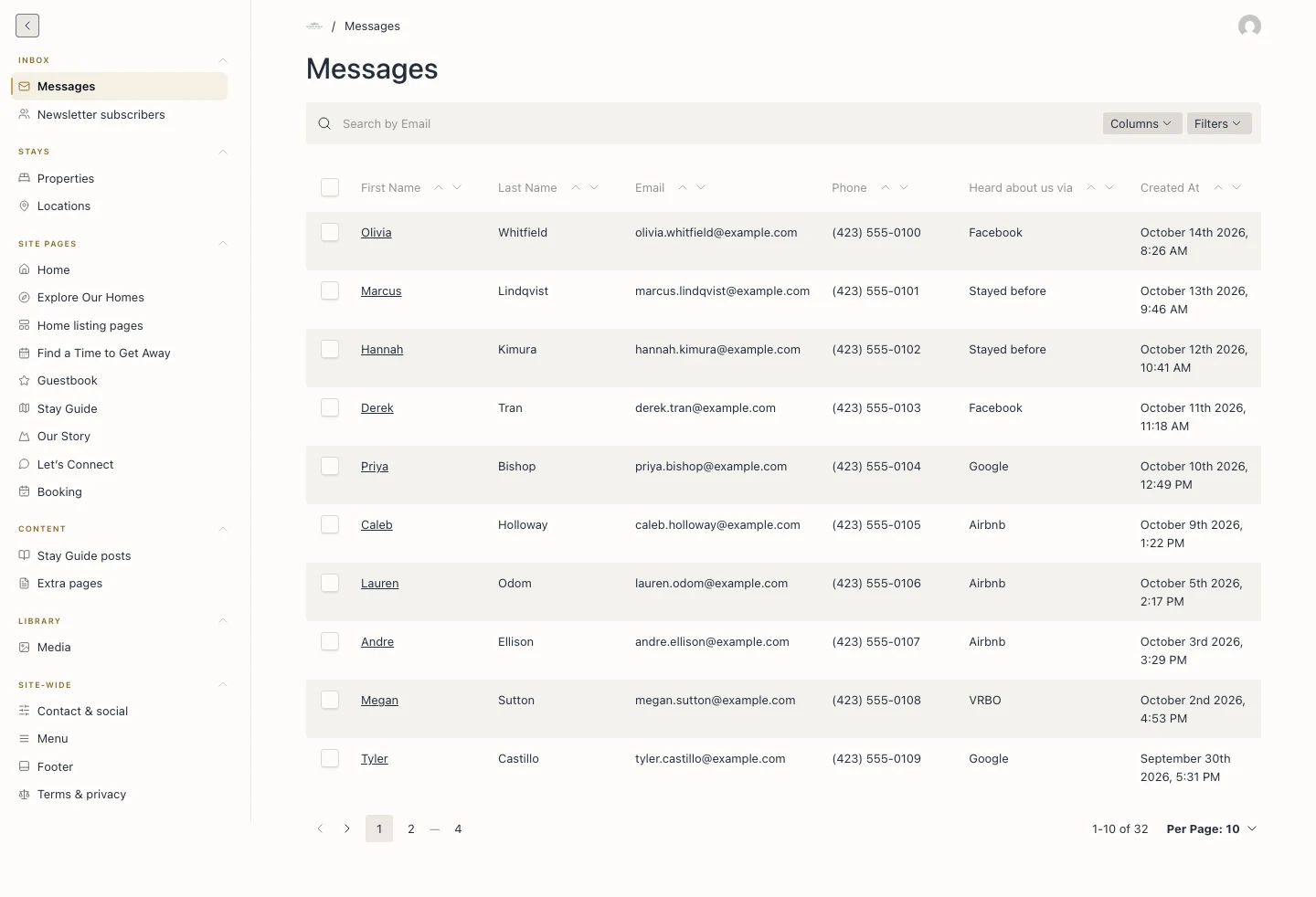
Inbox
Keep the conversation together
Every Let’s Connect message is saved in the CMS and emailed to Beth. Reply-to is set to the guest, so she can respond directly from her inbox. Newsletter sign-ups are collected alongside the messages.
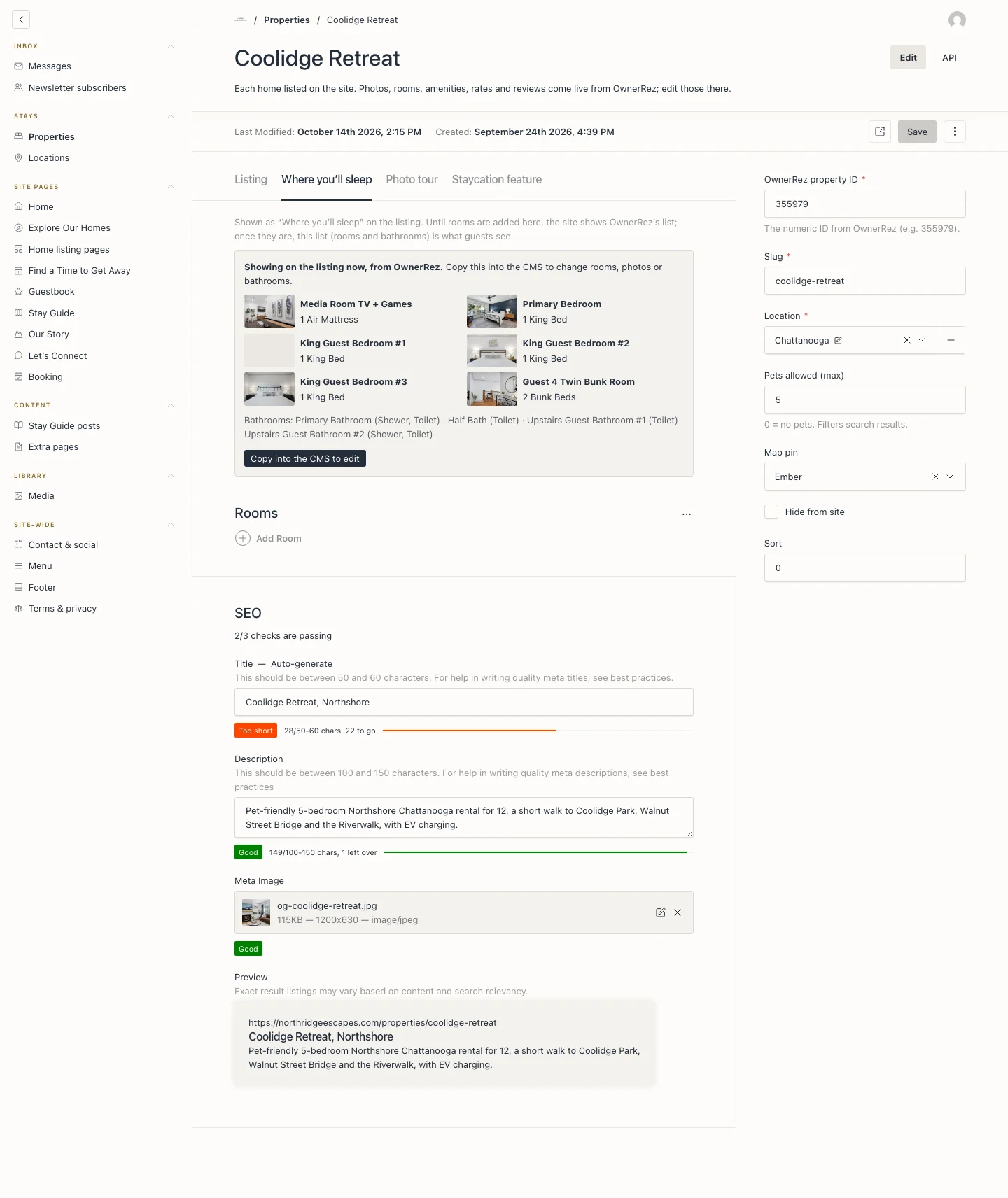
Each Home
Connected details for every home
Each home record brings editorial content and OwnerRez data together. The team manages display names, descriptions, room details, and search information in the CMS. A note at the top makes clear that rates, availability, amenities, and reviews are managed in OwnerRez.
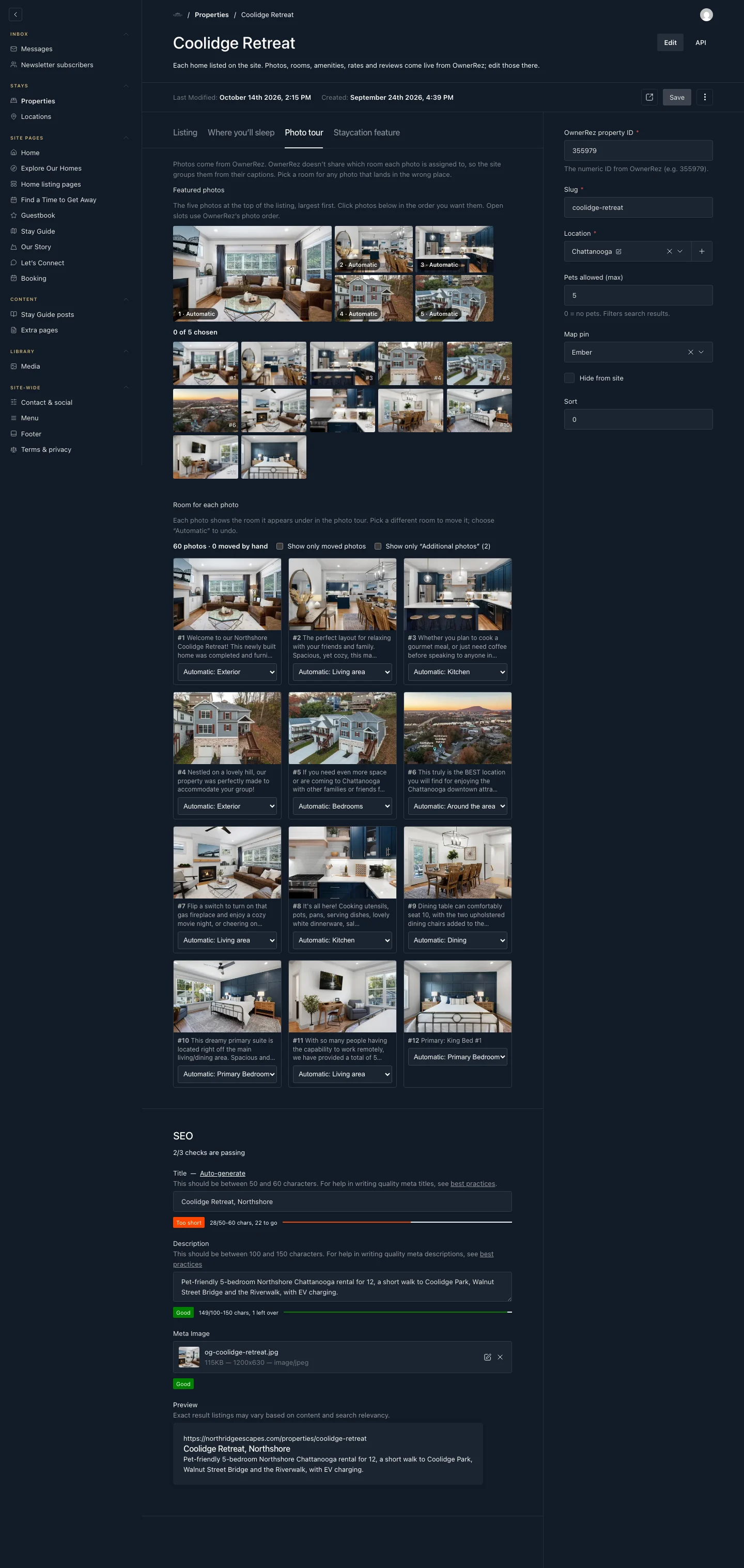
Photo Tour
Every room has a place
OwnerRez doesn’t identify the room shown in each photo, so the website uses captions to organize the tour automatically. Editors can adjust those assignments and choose the five photos that introduce each home.
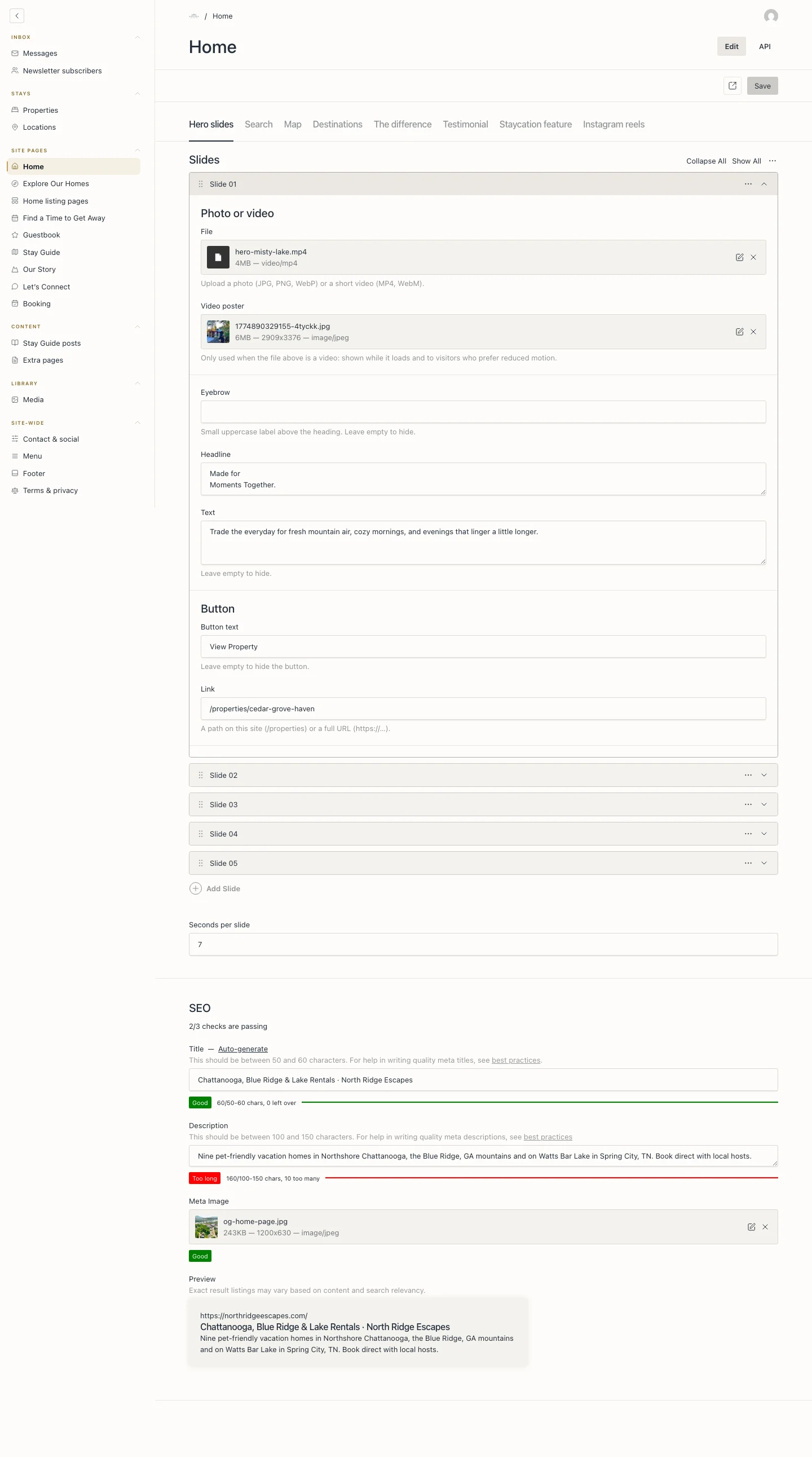
Page Content
Edit in page order
Each main page has its own CMS entry, with tabs that follow the layout from top to bottom. Empty fields hide their corresponding elements, and saving refreshes the live site.
Under the Hood
The tools behind it
- Framework
- Next.js 16 with the App Router, hosted on Render
- CMS
- Payload CMS 3 on Postgres, running in the same app
- Reservations
- OwnerRez API v2 for homes, calendars, rates, quotes, photos, and reviews
- Booking
- Embedded OwnerRez booking widget with an inquiry option
- Resend for contact alerts and newsletter sign-ups
- Brand
- Cormorant Garamond and Montserrat, with navy, forest, gold, and cream
North Ridge Escapes now has a recognizable identity and a direct path from planning a getaway to booking a stay. Guests can explore every home in one place, while the team keeps the reservation system it knows and gains the tools to manage its own website.
Nine homes in three destinations, with one place to book.